
We are pleased to announce the official release of QPunch Version 1 to 2. This version includes the introduction of 12 new features along with several enhancements aimed at further improving the efficiency, reliability, and overall user experience of our project management platform. These updates reflect our continued commitment to incorporating client feedback and delivering solutions that support effective project execution..
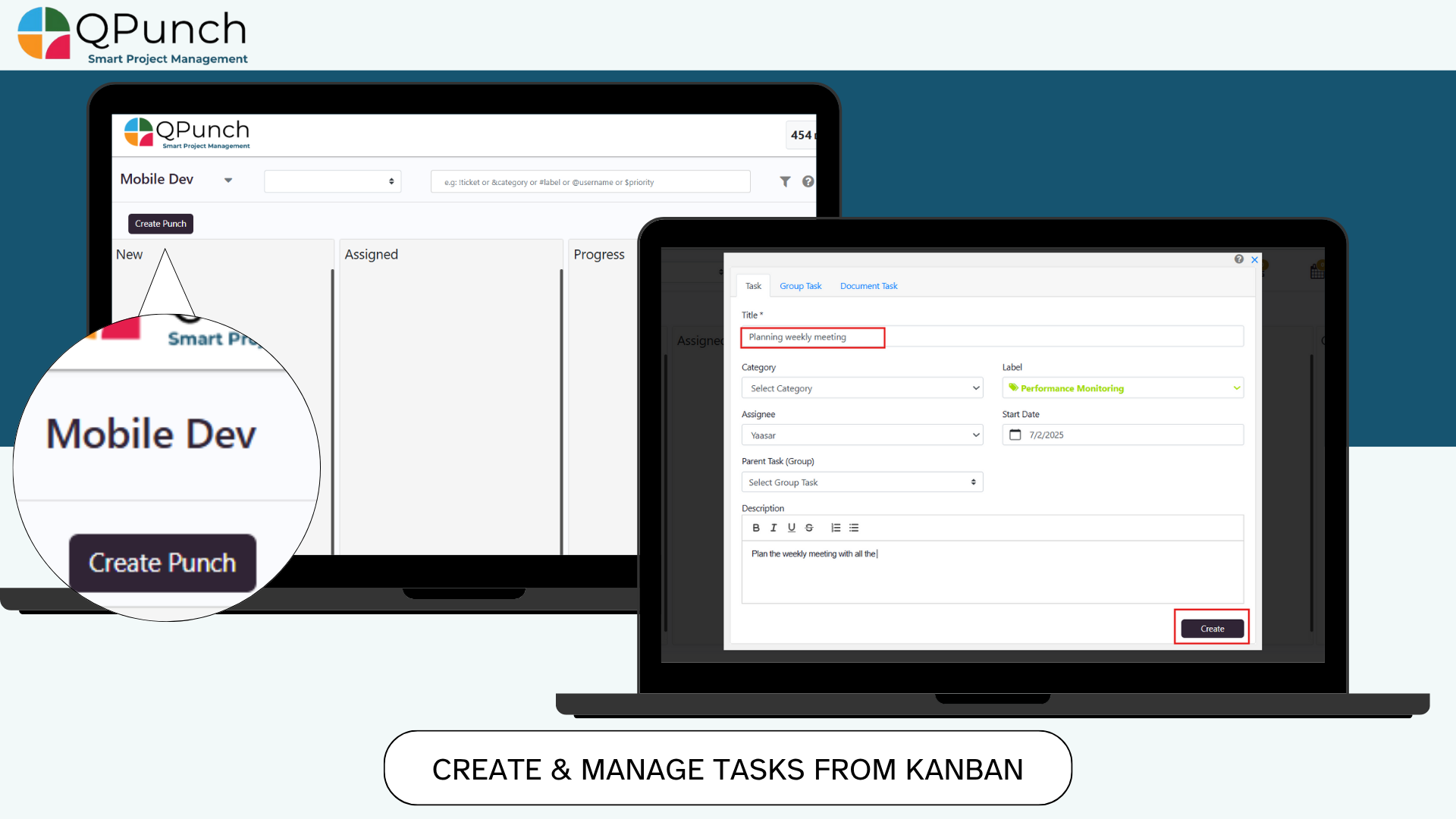
1. Create & Manage Tasks from Kanban
Now users can create and manage much more efficiently than ever, just click the Create Punch button on the Kanban board, fill in task details and click Create, and double click any task to open and edit it to add labels, categories, set duration, and update work hours.
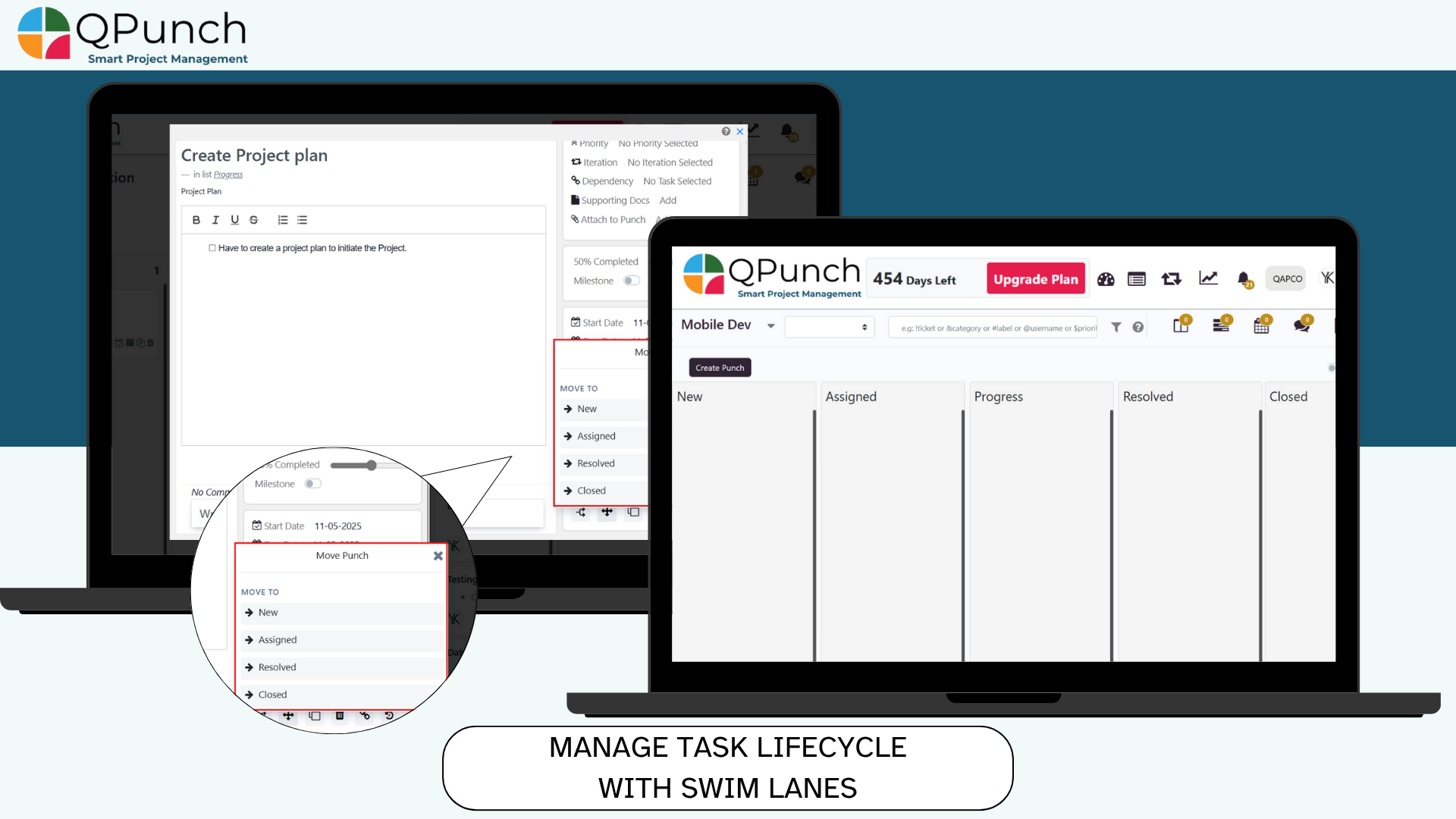
2. Manage Task Lifecycle with Swim lanes:
Track your tasks from creation to closure by dragging them across 5 swim lanes:
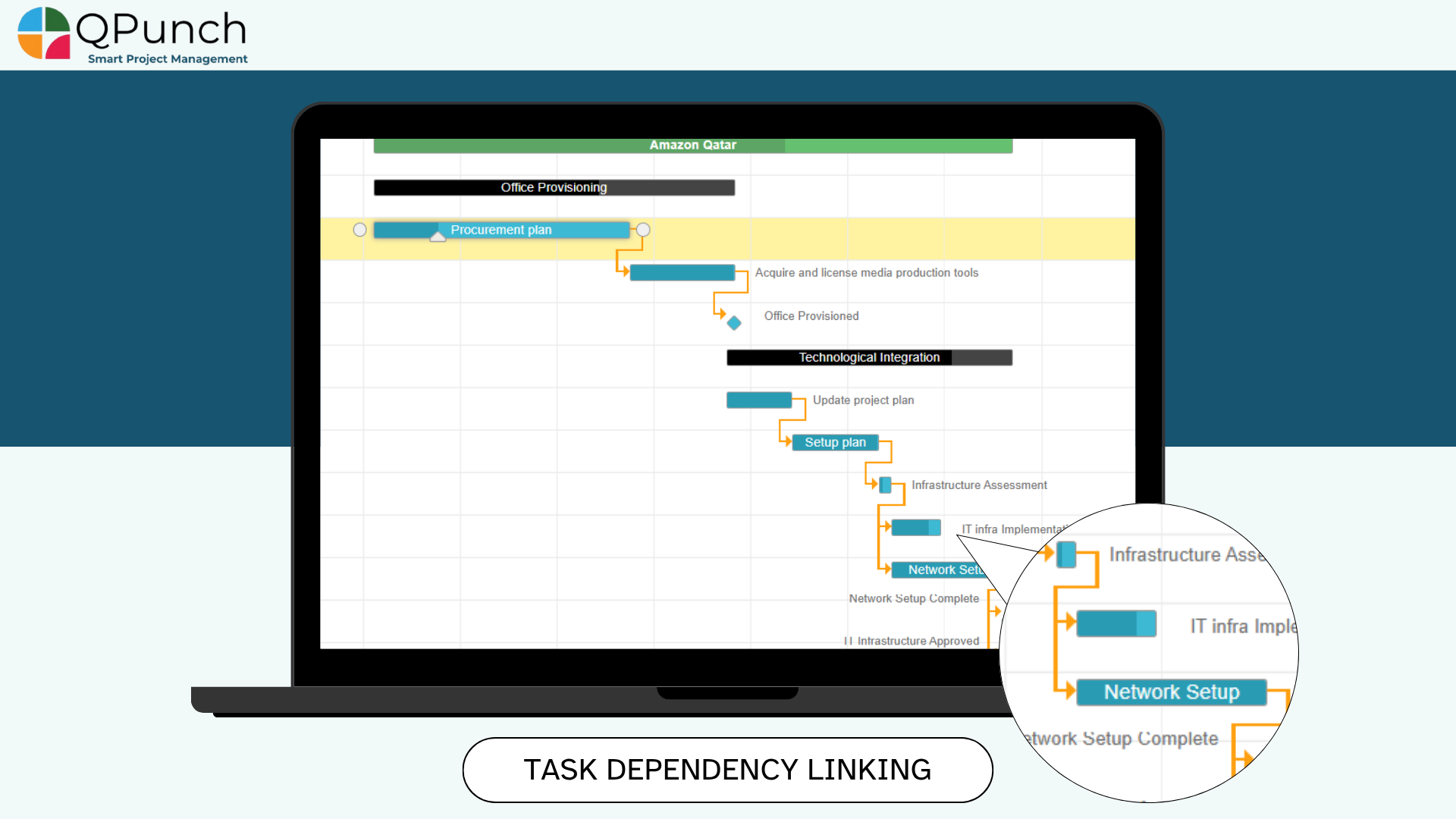
3. Task Dependency Linking
You can now link tasks with dependencies like:
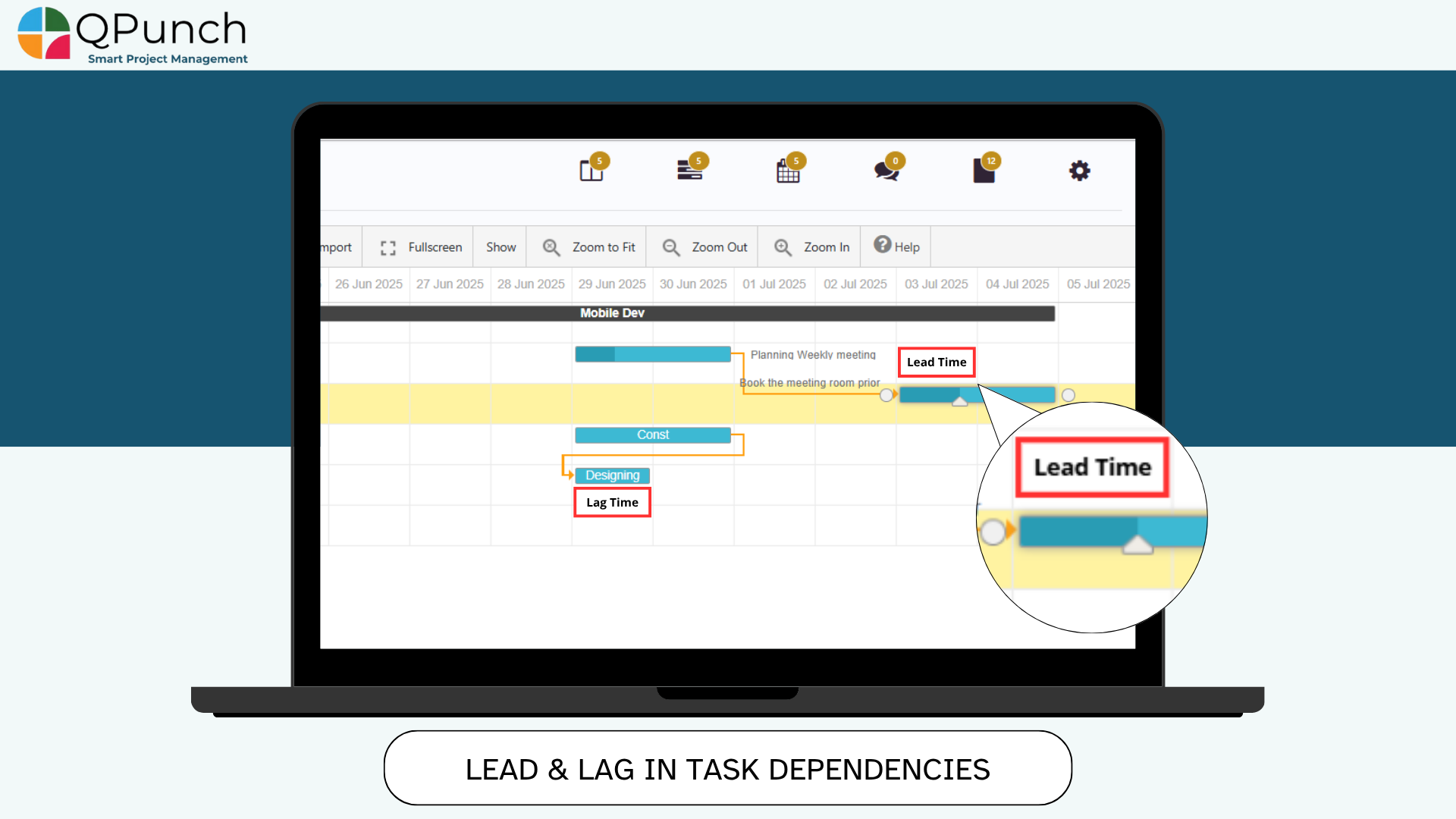
4. Lead & Lag in Task Dependencies:
Control dependent task starts dates using lead or lag:
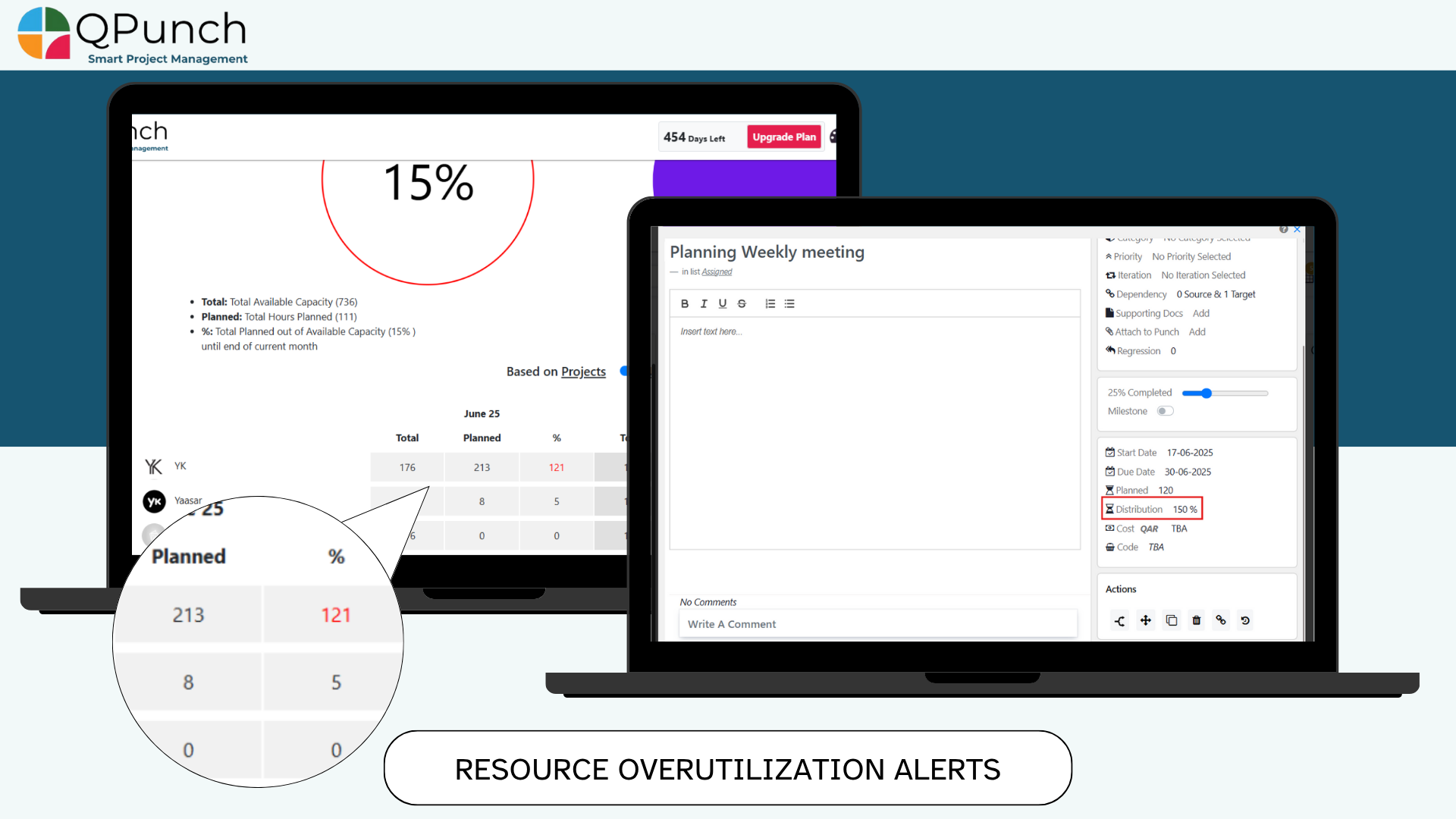
5. Planned vs. Actual Effort & Overutilization Alerts:
Now planned and actual efforts can exceed assigned utilization hours:
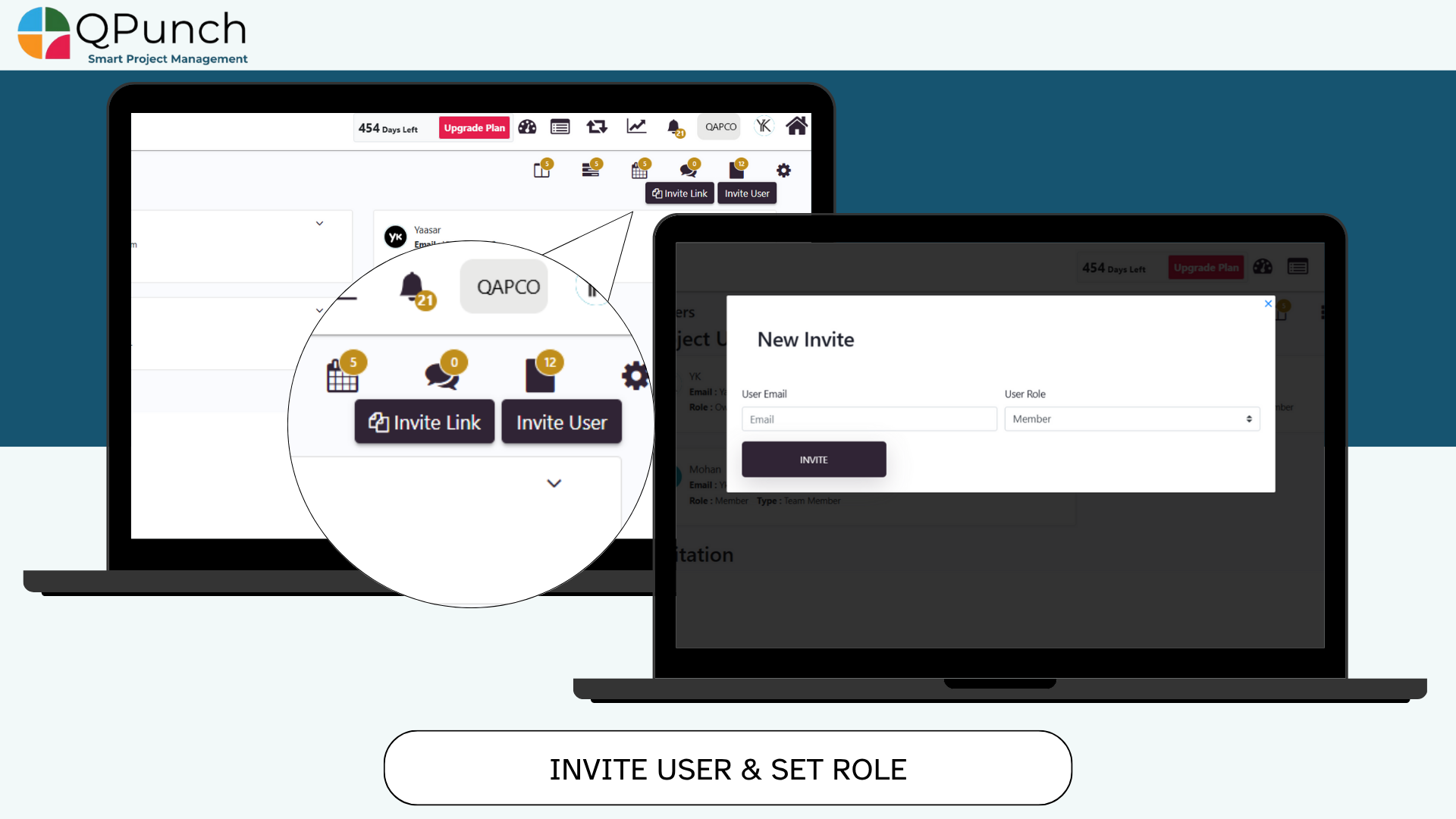
6. Invite User & Set Role:
Now you can Invite users via email and assign them their roles instantly during the invite process. making onboarding easier.
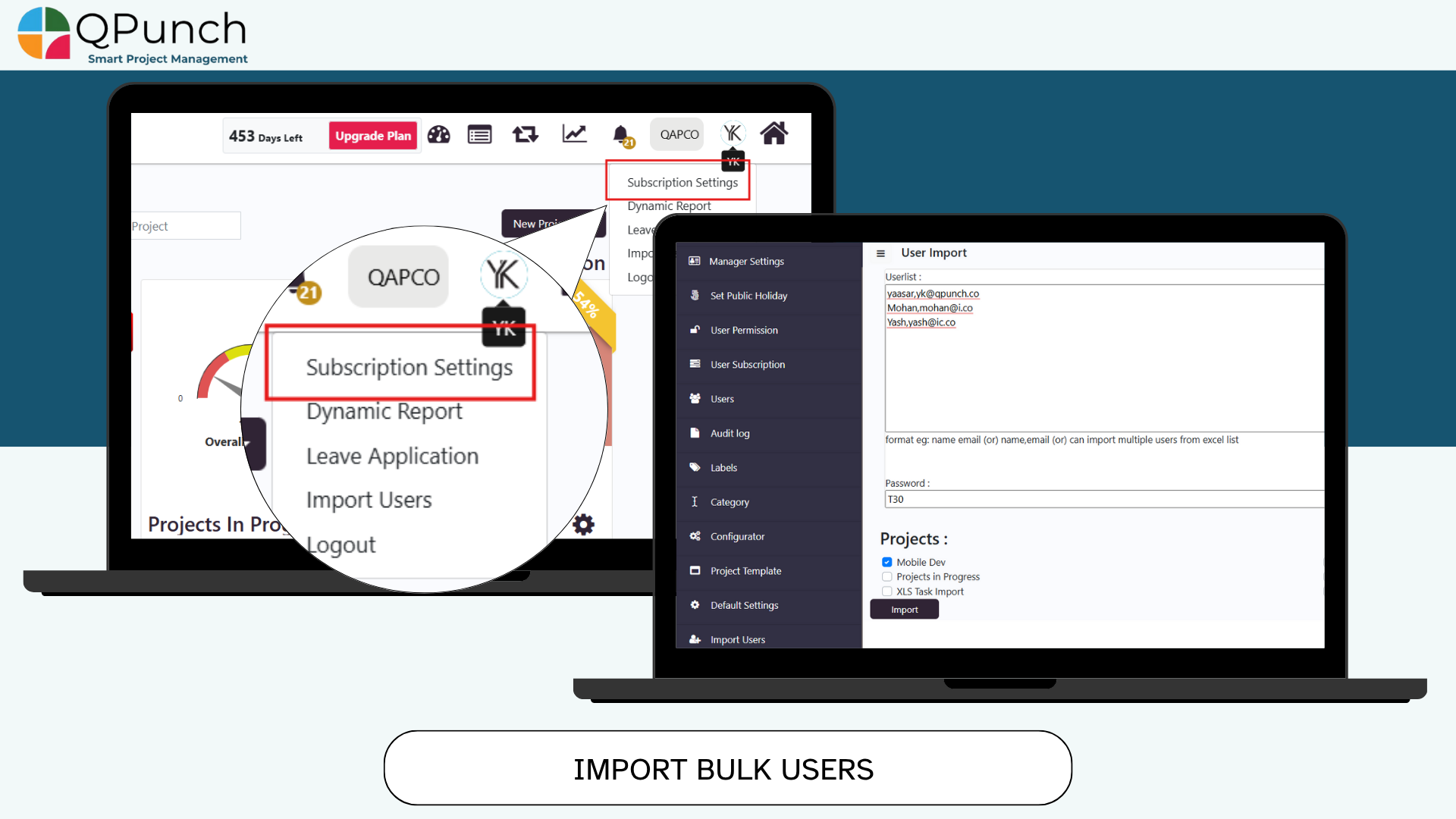
7. Import Users to Multiple Projects:
Now you can easily import list of users by:
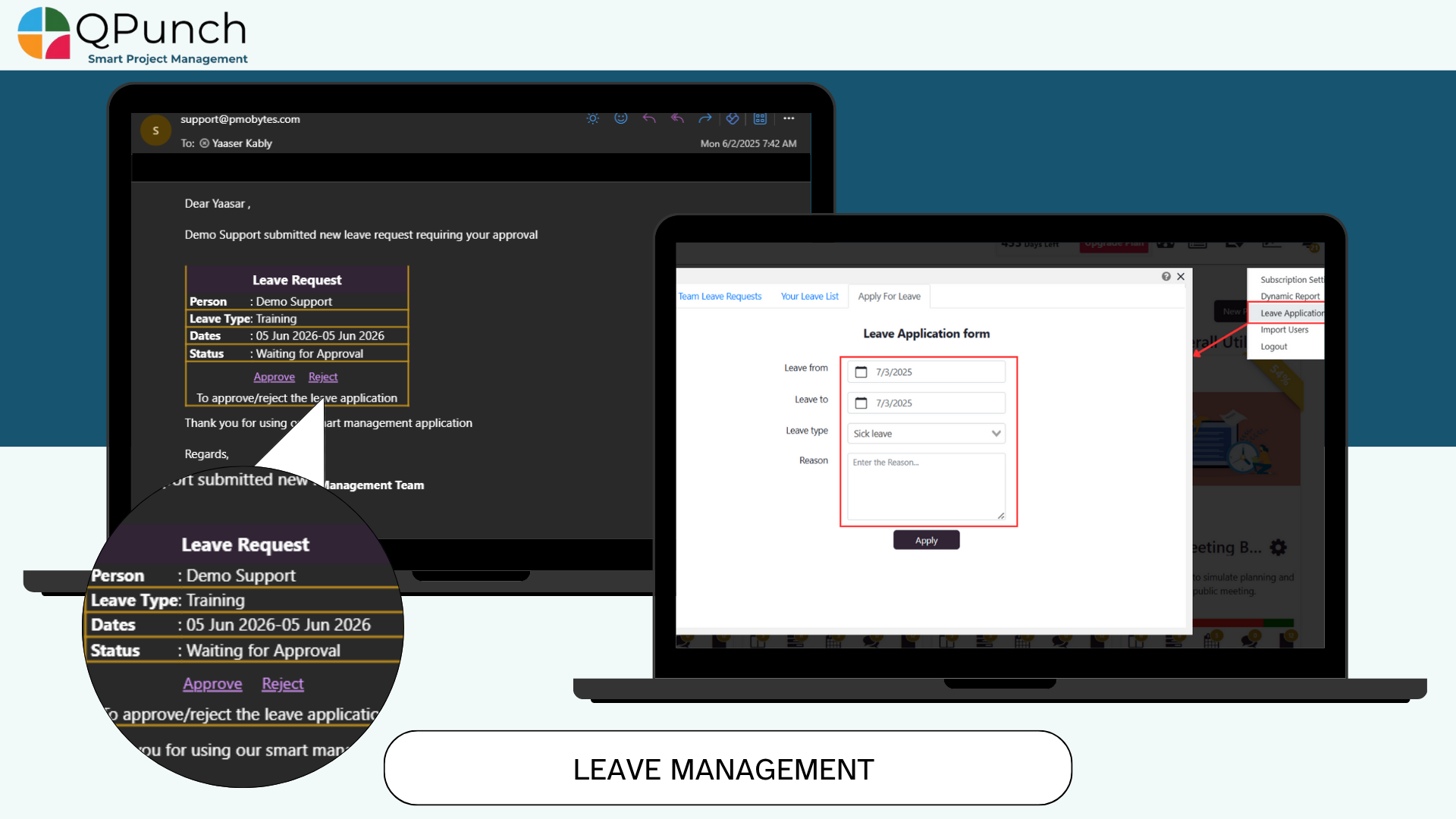
8. Leave Management for Team Members:
Now team members can apply for leave through QPunch and once the Project Manager receives and approves leave requests. The approved leave days are marked yellow, and task assignments are restricted on those days.
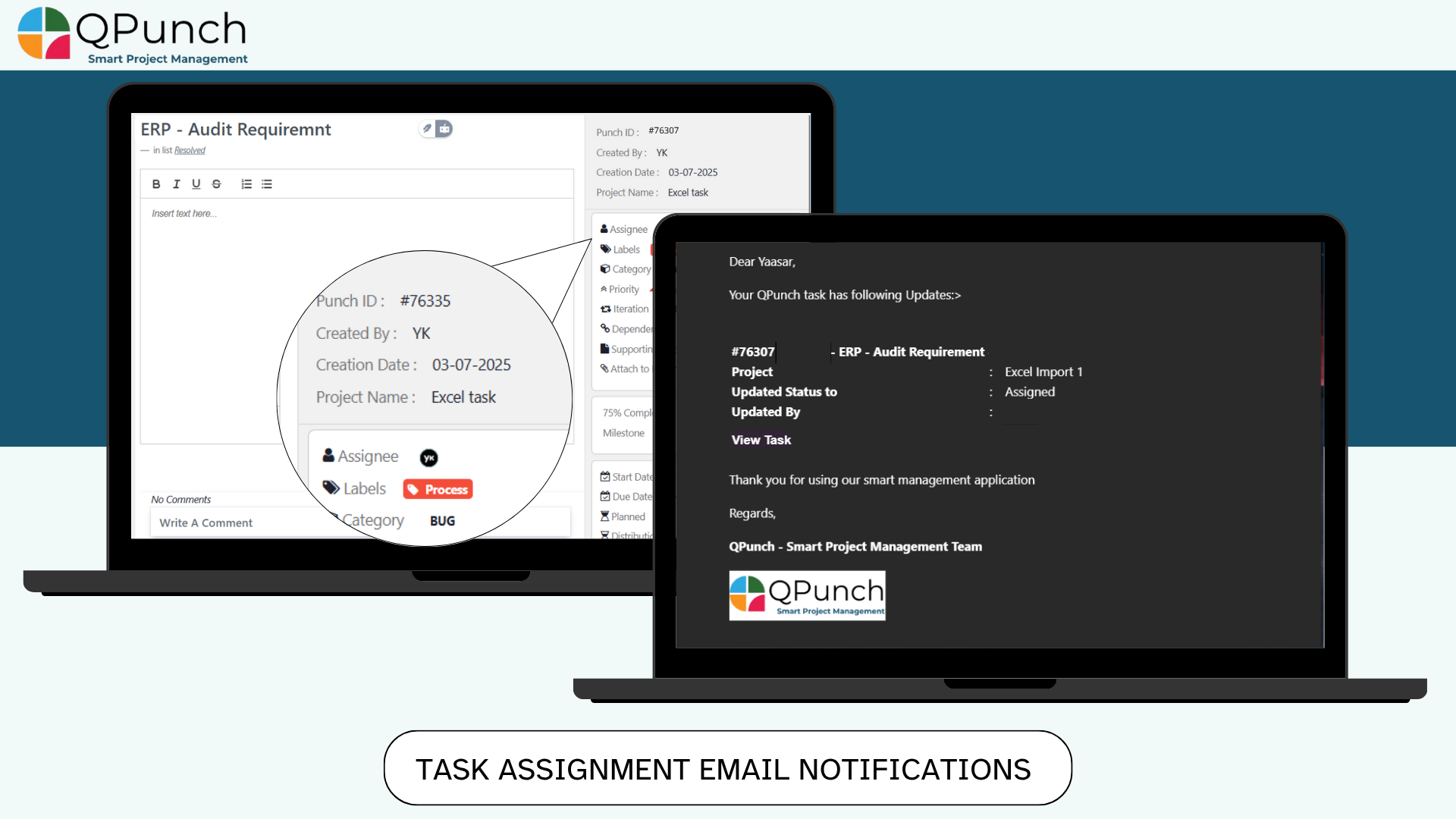
9. Email Notifications for Task Assignment:
Now every time a task is assigned, the assignee gets a notification email — so no task ever goes unnoticed.
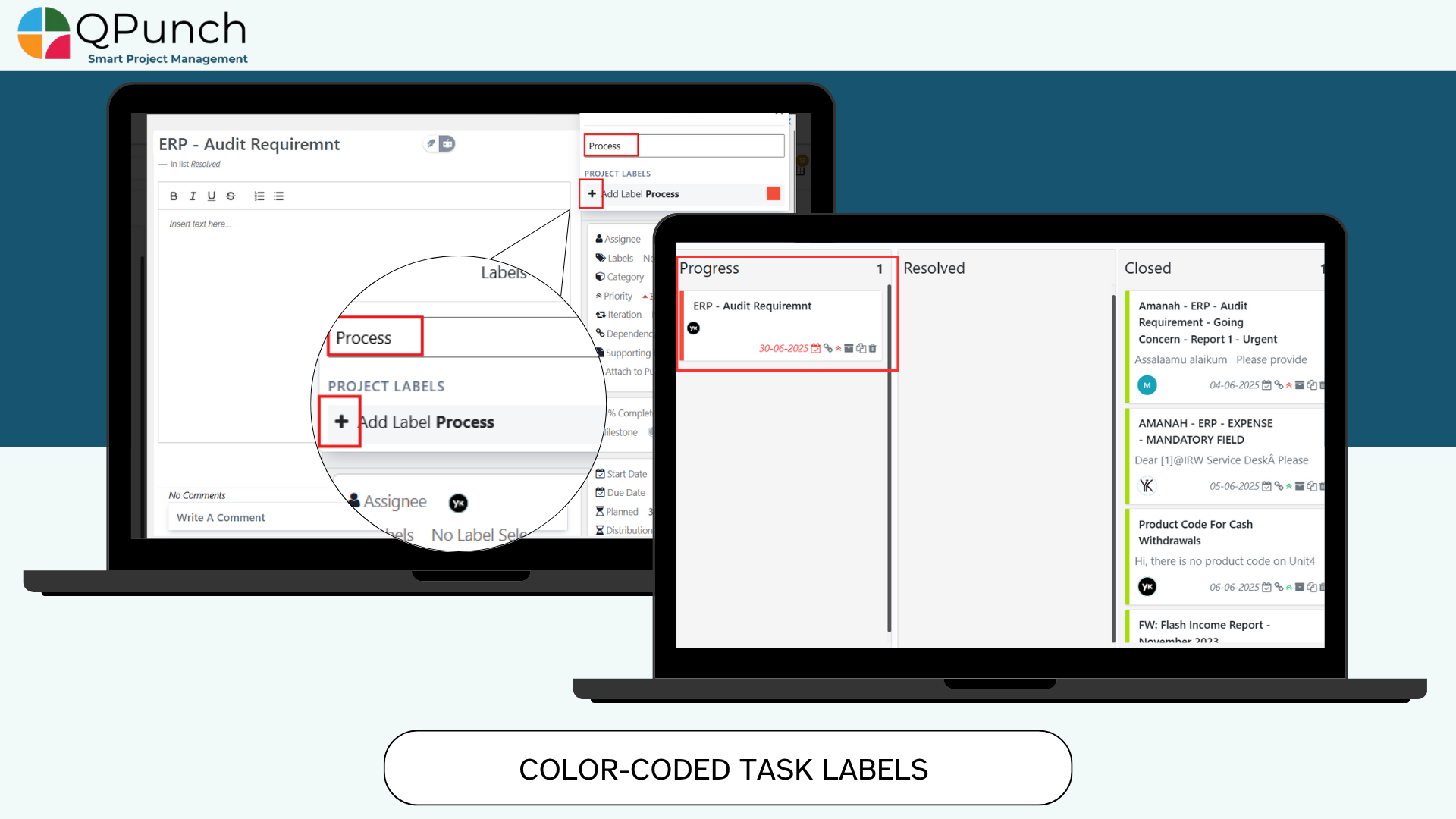
10. Color-Coded Task Labels:
You can now apply color codes to task labels. This makes it easier to visually manage and identify tasks by category on the Kanban board.
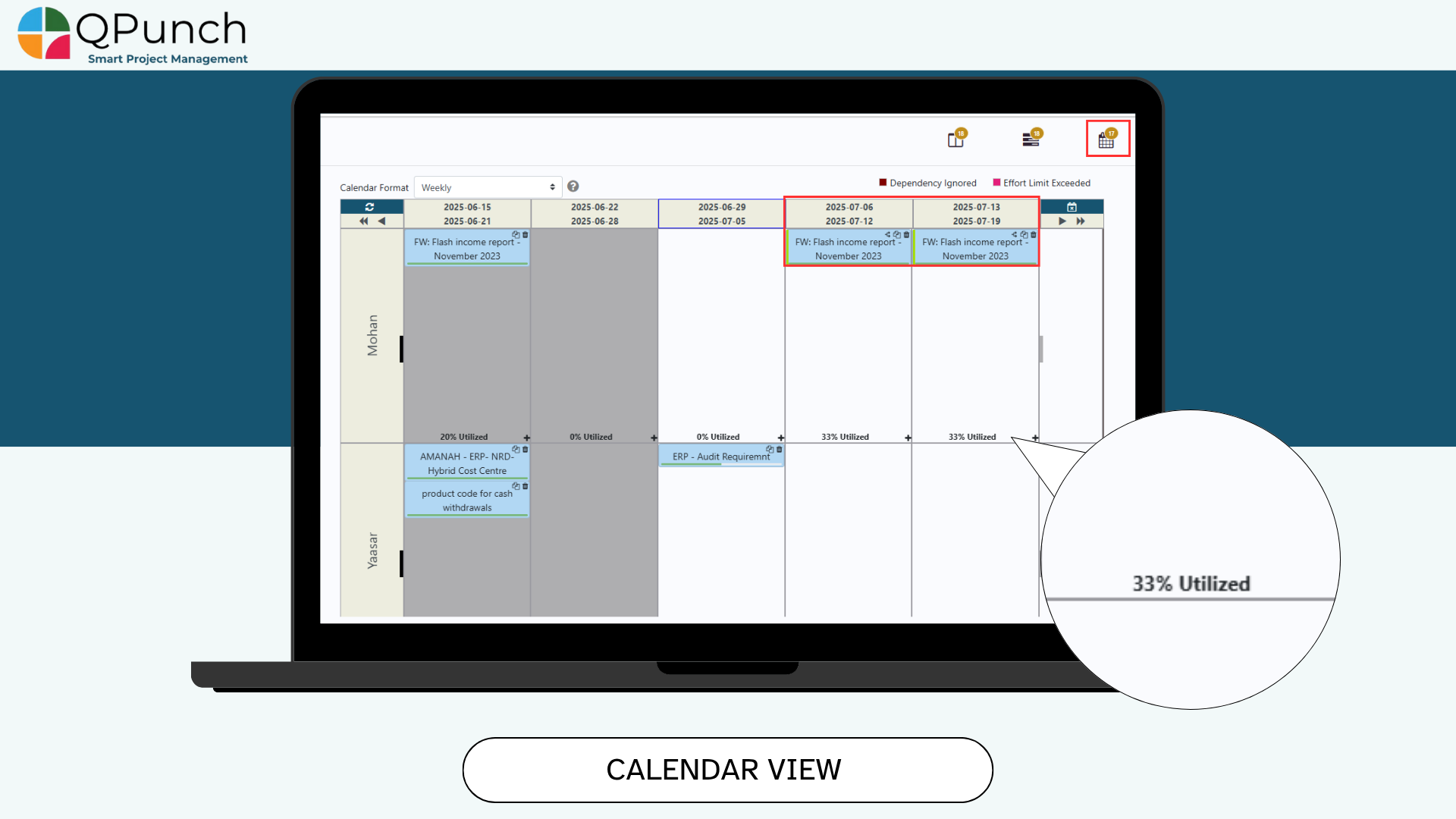
11. Calendar View for Utilization & Availability:
Now you can easily view and individual user or a team’s utilization and there leaves and off days all in the calendar view and this visibility helps PMs know when and how much team members are available for assignment.
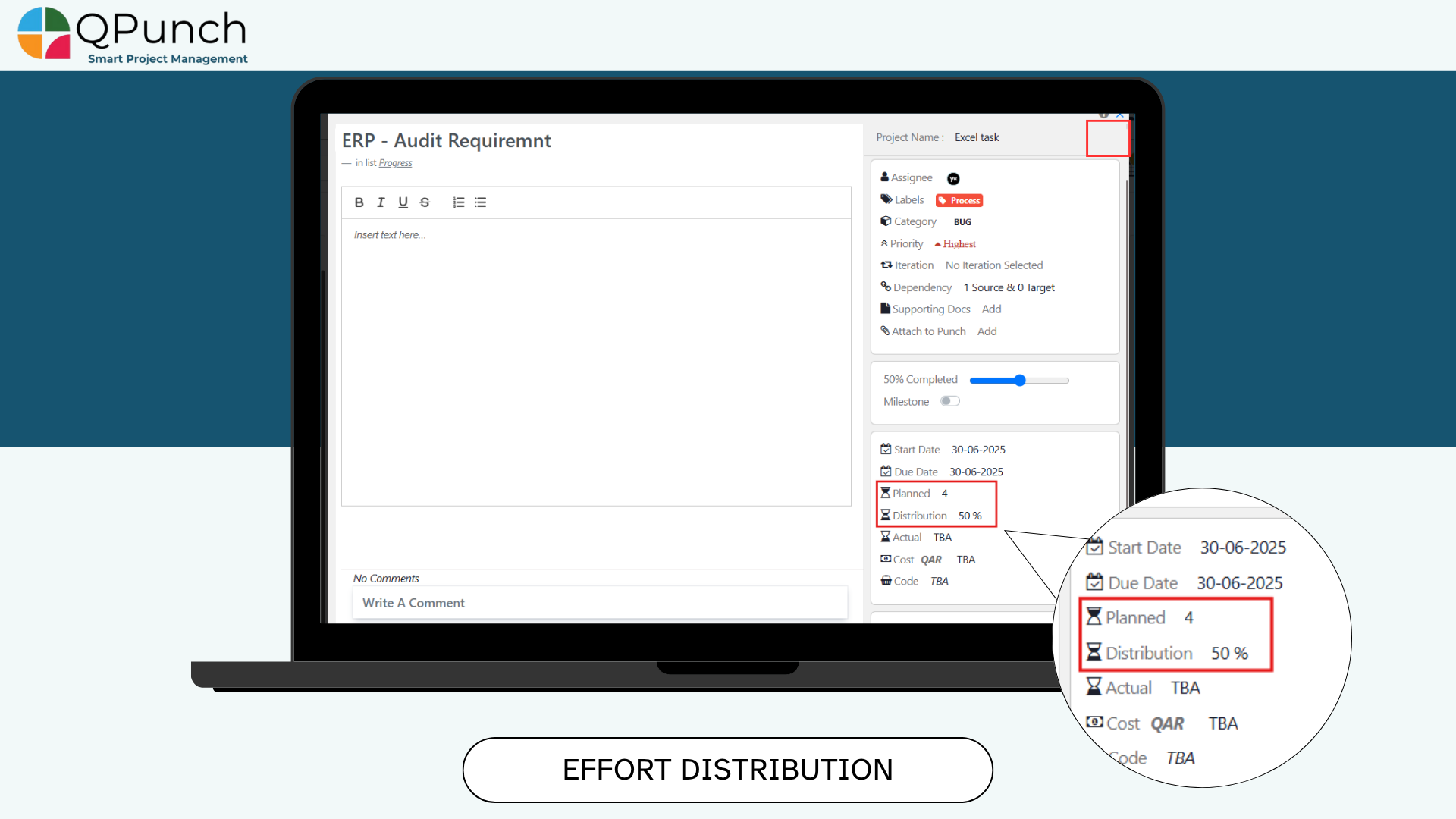
12. Effort Distribution Over Time:
Now the planned Efforts for the user on a task can be distributed in percentage to spread out between days by the distribution field inside the task
We’ve also addressed various bugs to improve the overall stability and performance of the app.
Ready To Get Started with Smart Project Management?