Release Notes – QPunch Version 17 to 21 (December 12, 2024)
We are pleased to announce the official release of QPunch Version 17 to 21, effective December 12, 2024. This version includes the introduction of nine new features along with several enhancements aimed at further improving the efficiency, reliability, and overall user experience of our project management platform. These updates reflect our continued commitment to incorporating client feedback and delivering solutions that support effective project execution.
What’s New:
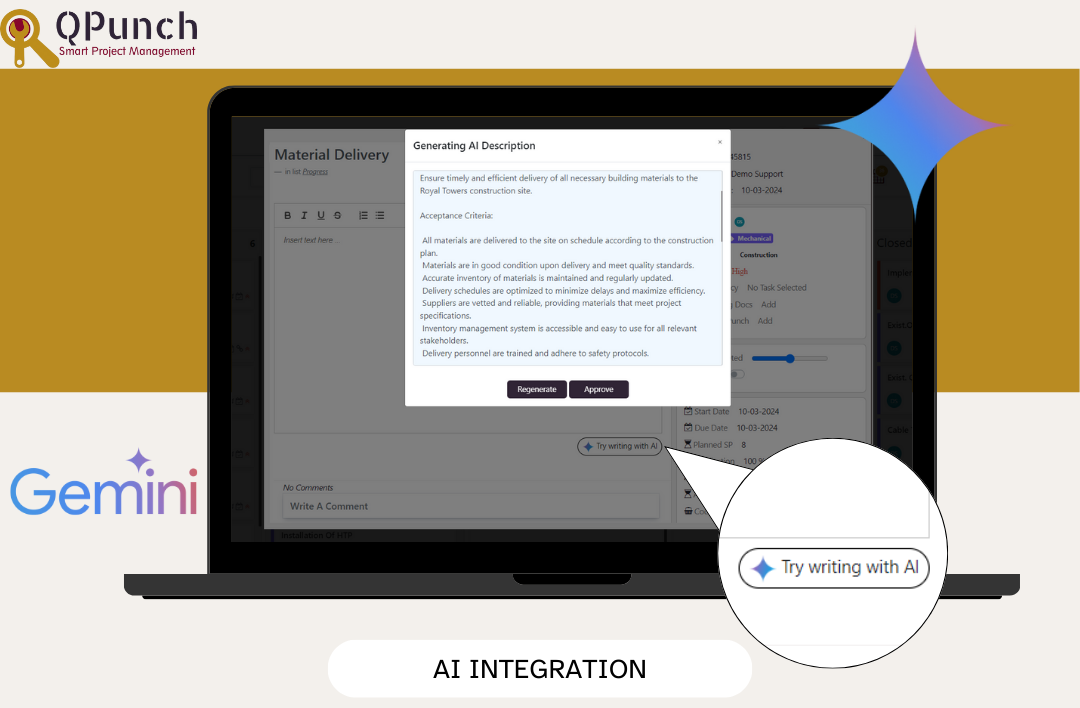
1. AI Integration
Utilize our AI features to generate task descriptions, user stories (for Agile projects), and project descriptions, making planning easier and more efficient.
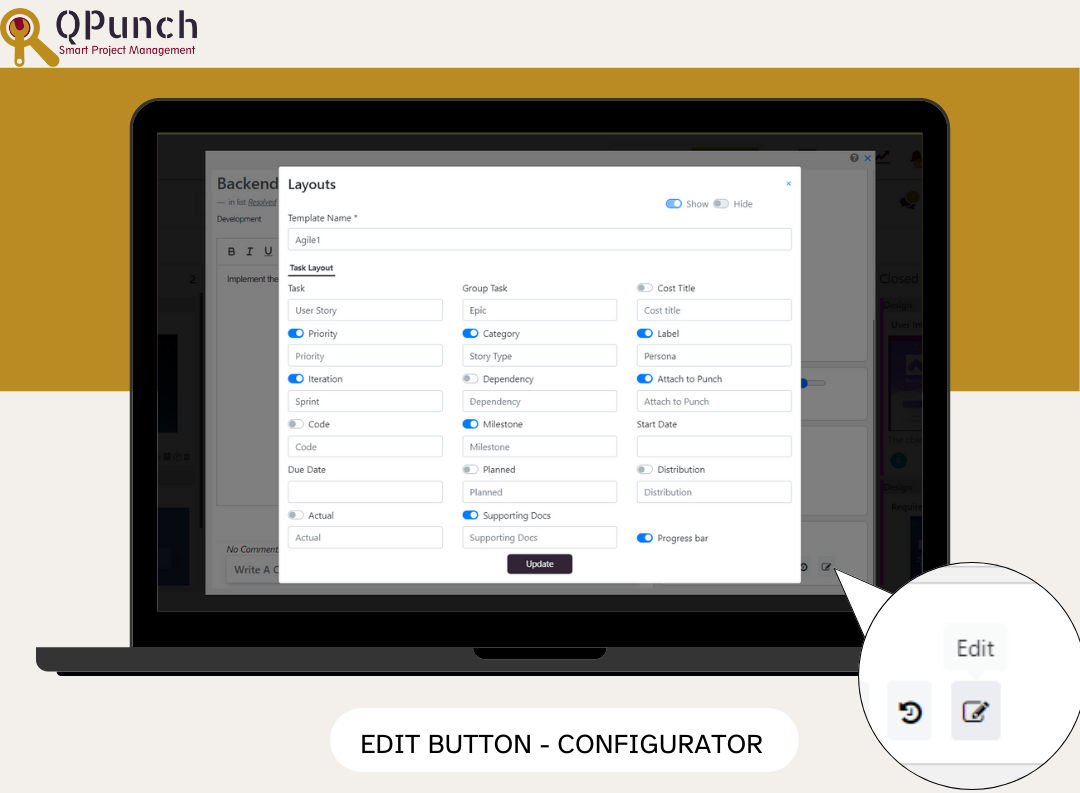
2. Edit Button in Punch
A new Edit button in the punches allows you to quickly access project configurator settings, streamlining your workflow.
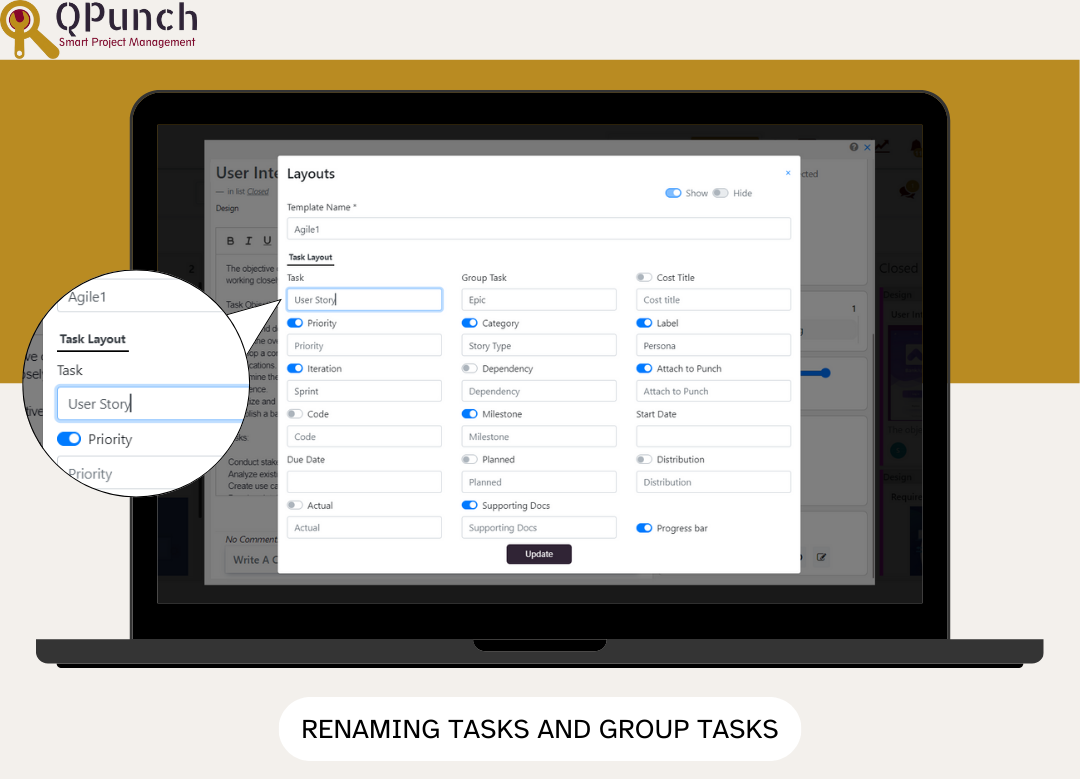
3. Renaming Tasks and Group Tasks
Customize your projects by renaming tasks and group tasks to better fit your needs, allowing for greater configurability.
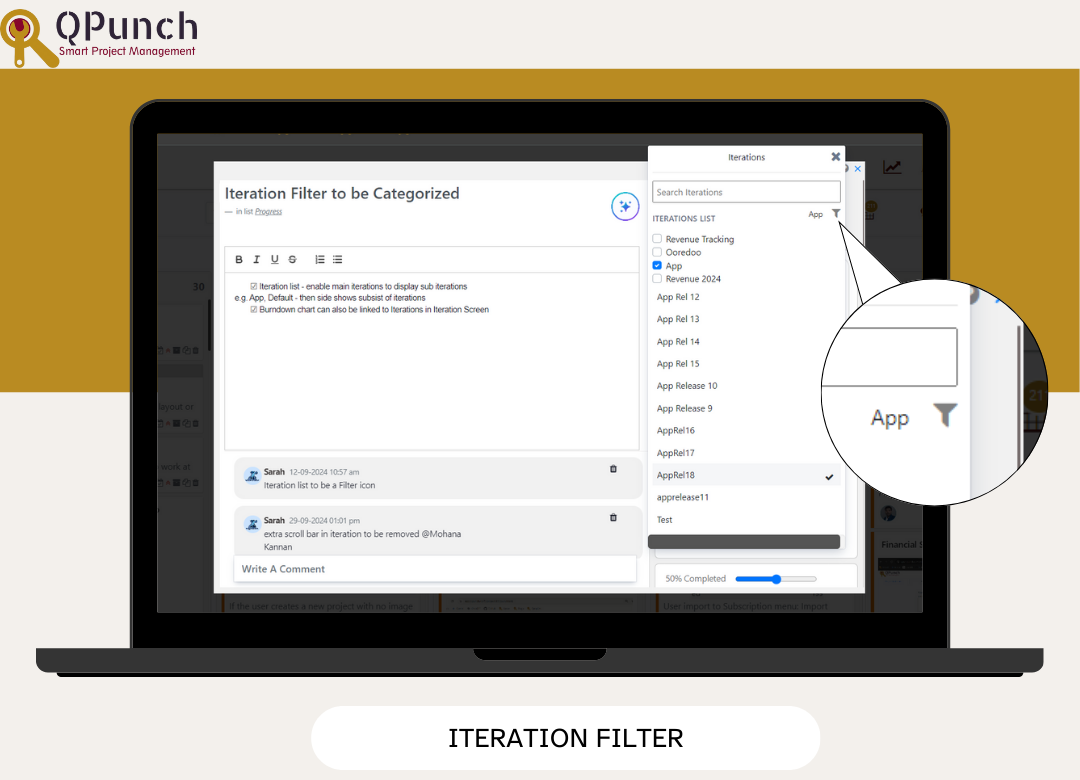
4. Iteration Filter
Quickly sort through long lists of iterations to easily select the one you need, enhancing your project management efficiency.
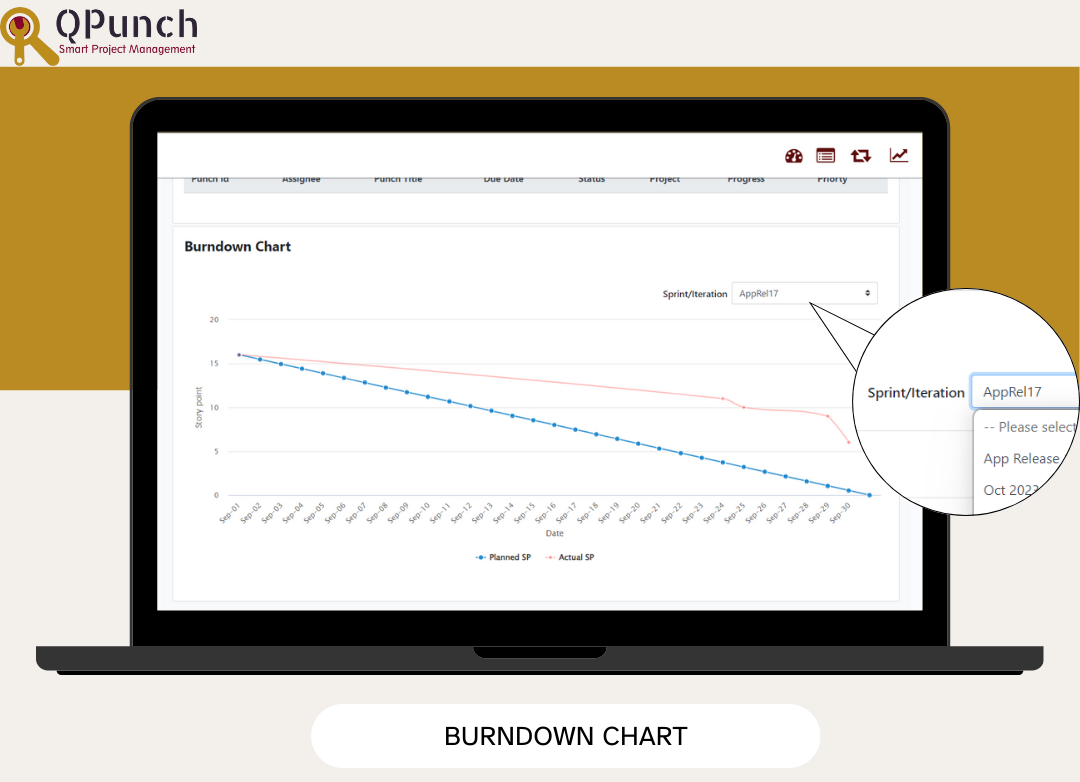
5. Burndown Chart
In Agile projects, the new Burndown Chart plots actual and planned story points against the timeline, helping you track remaining work and stay on target.
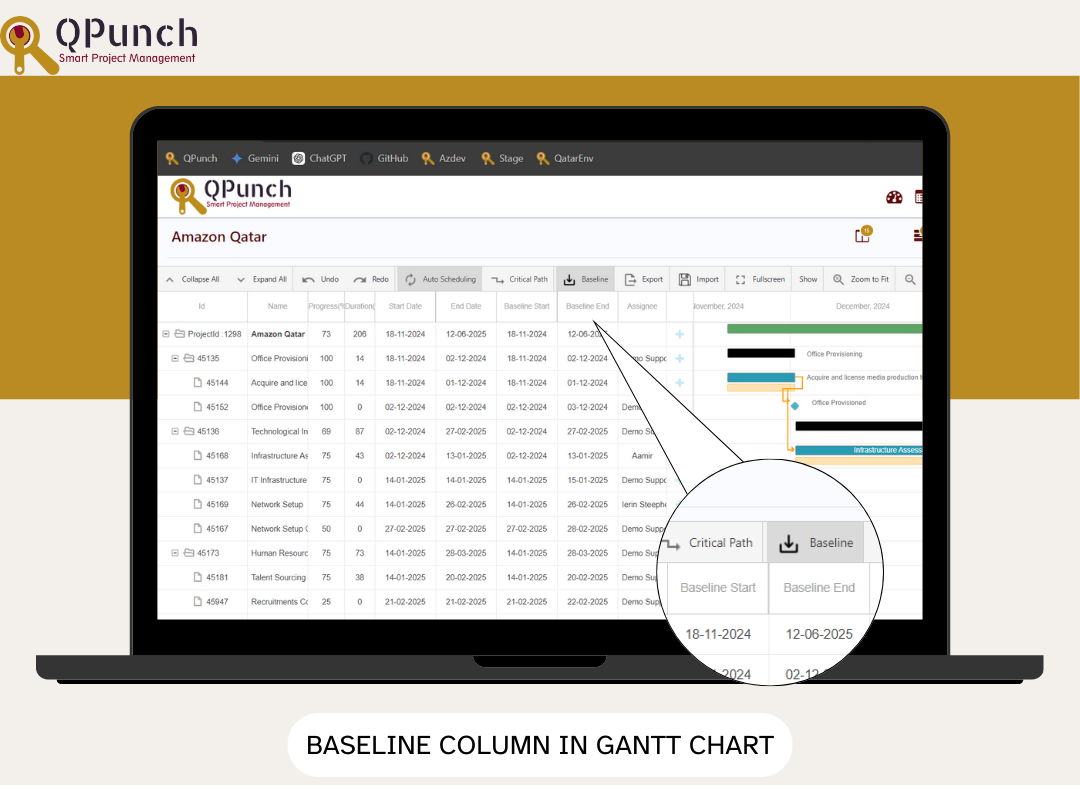
6. Baseline Column in Gantt Chart
Two new columns (Baseline Start and Baseline End) in the Gantt Chart allows you to compare planned versus actual timelines, enhancing your project tracking capabilities.
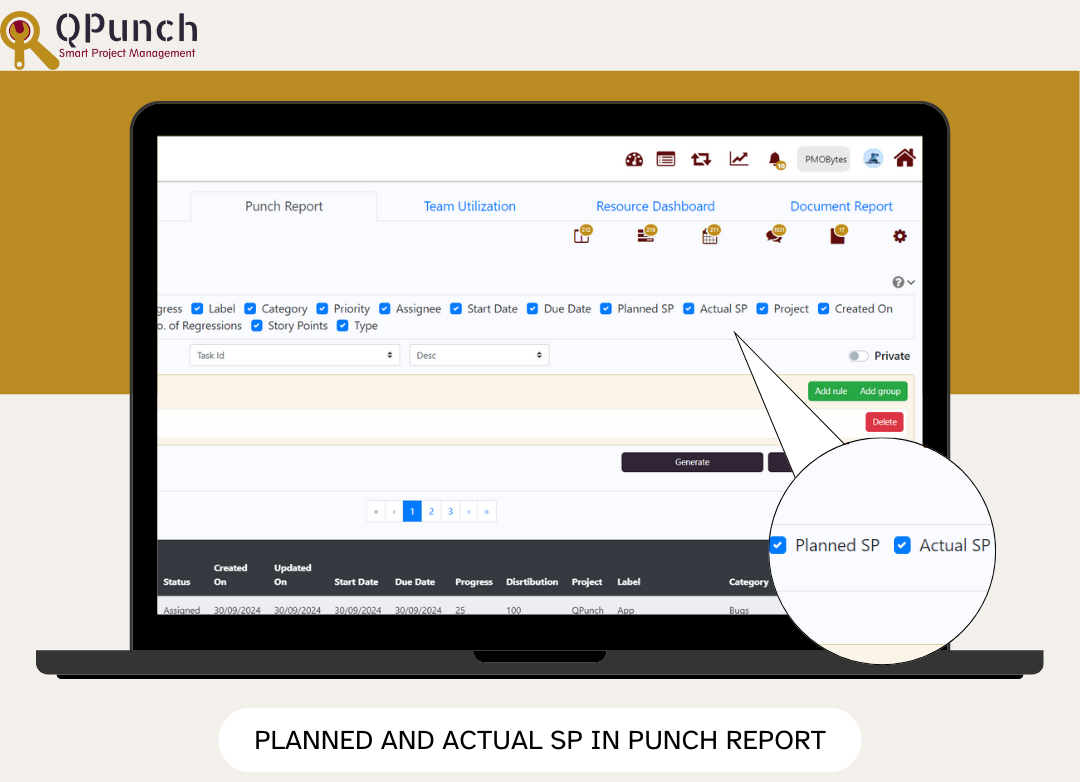
7. Planned and Actual Story Points in Punch Report
For Agile projects, you can now view both planned and actual story points in the Query Builder of your Punch Report, helping you track progress more effectively.
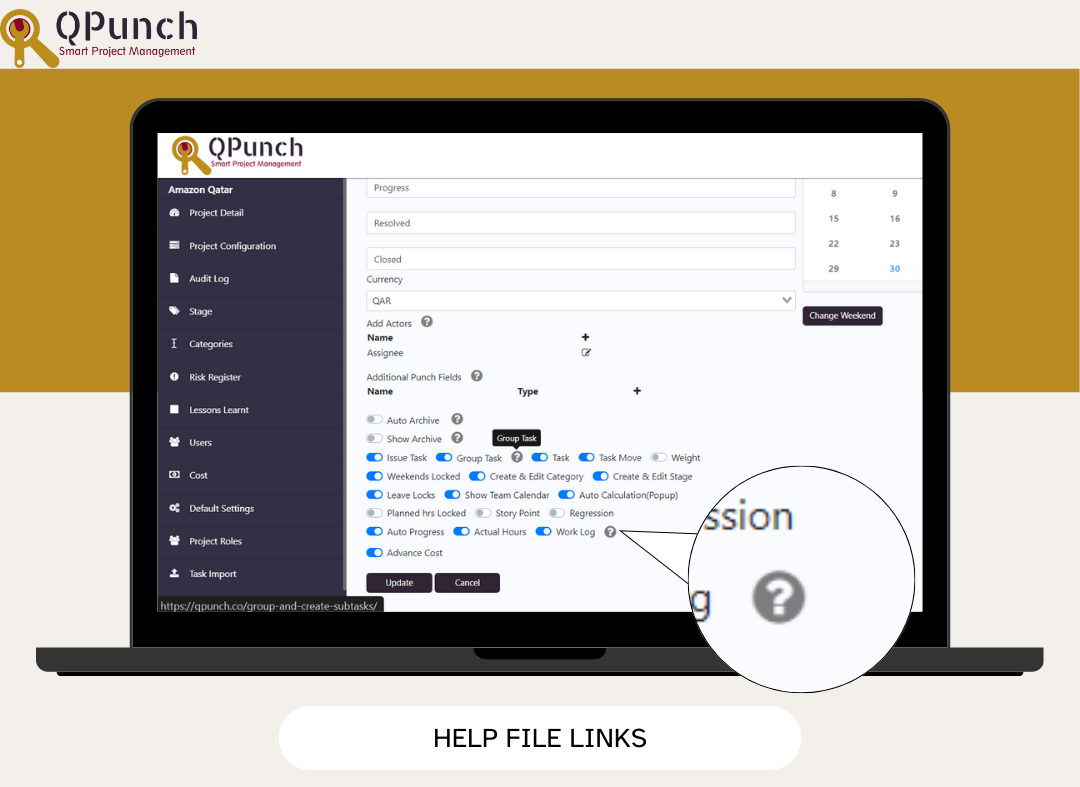
8. New Help File Links
Easily access help resources directly within the app to assist you in navigating features and functionalities.
9. Easier Navigation
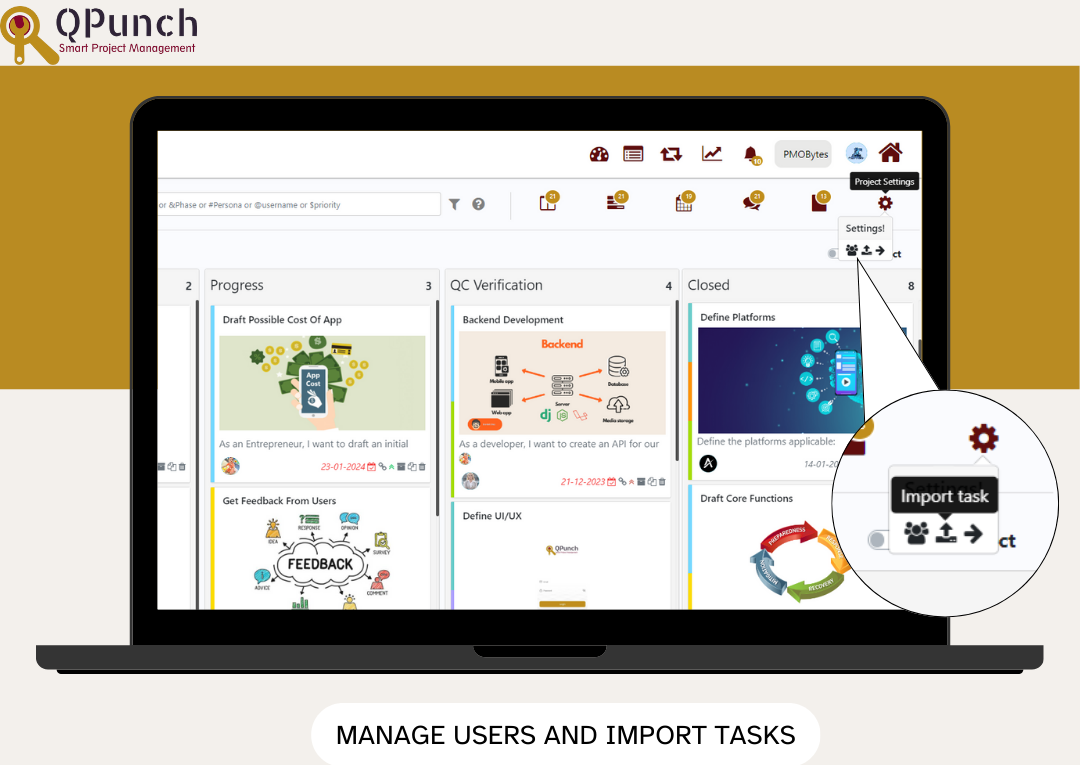
Manage Users and Import Tasks: Improved navigation for importing users and tasks simplifies the setup process.
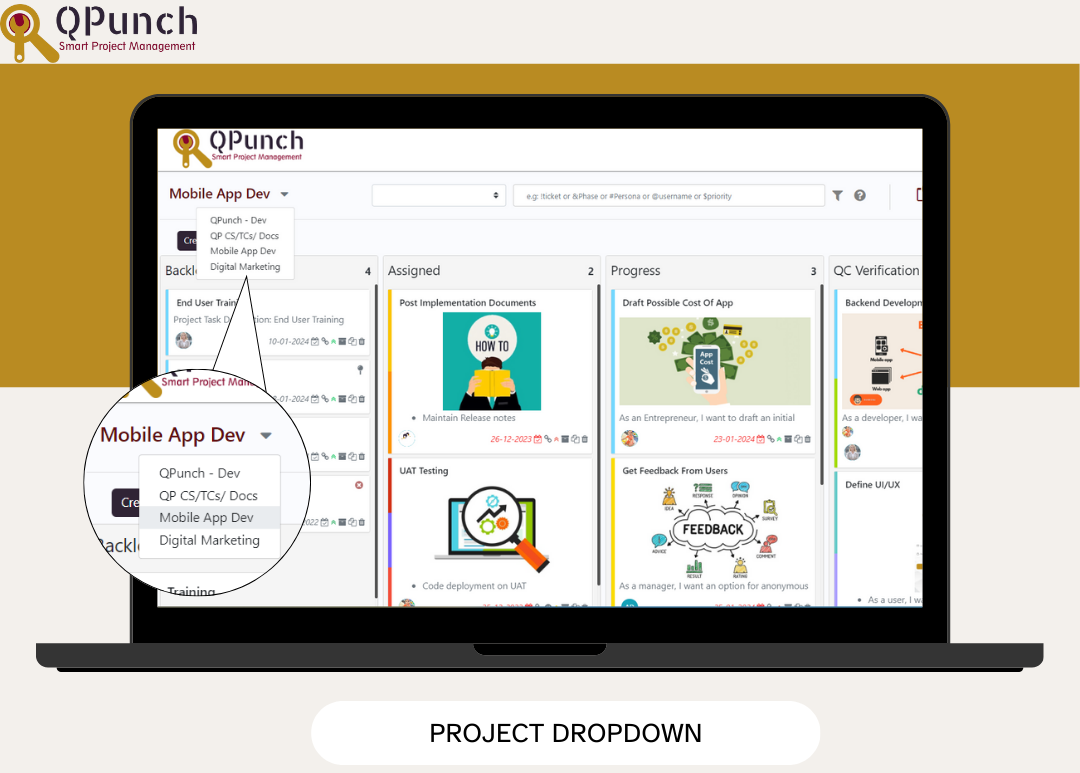
Project Dropdown: A new dropdown menu in the Kanban view allows for seamless switching across projects, enhancing your workflow.
Bug Fixes
We’ve also addressed various bugs to improve the overall stability and performance of the app.