The Project Sorting feature in QPunch allows users to quickly organize and find projects. You can sort projects by Date, Progress, Alphabetical Order, or Priority. After selecting a sorting option, use the arrow toggle to switch between ascending and descending order, helping you focus on the most important projects and manage them efficiently.
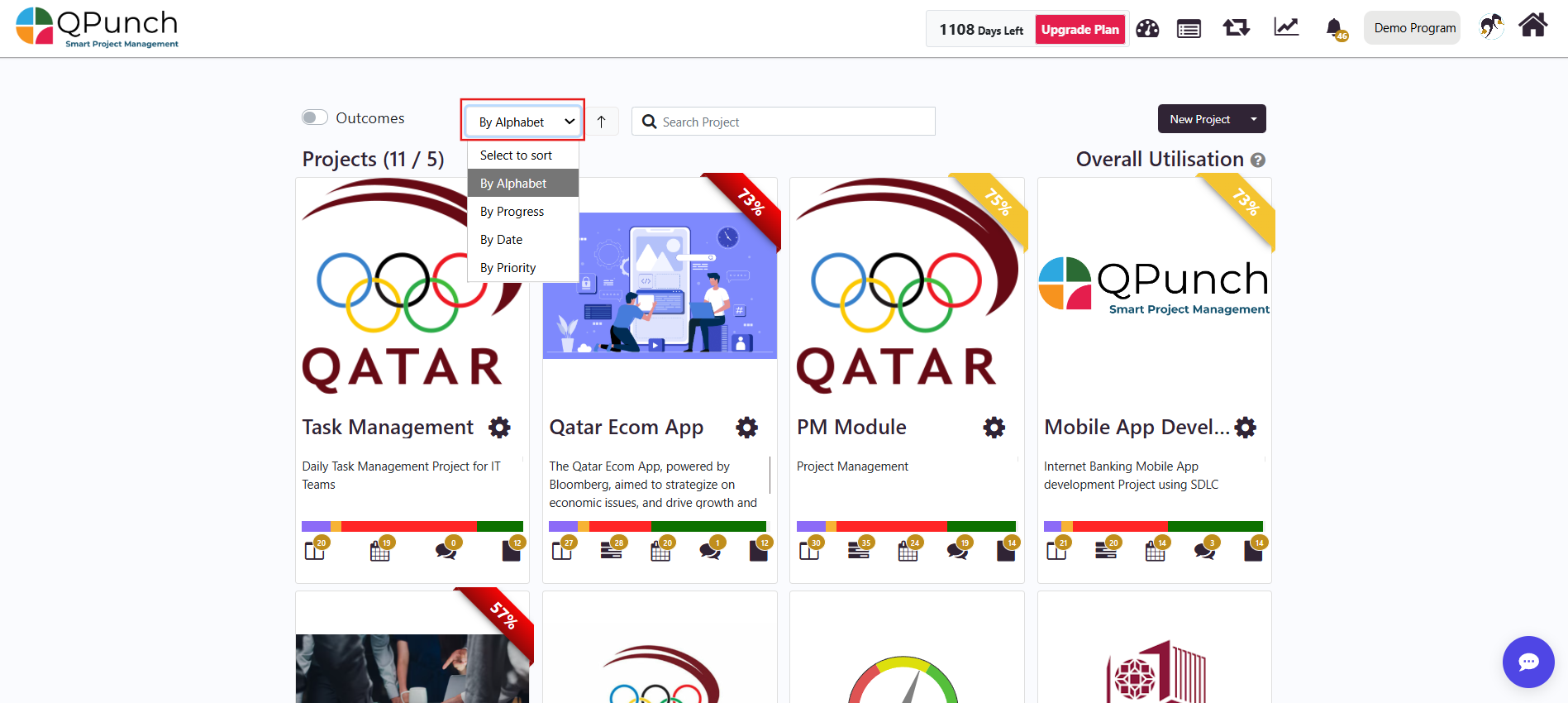
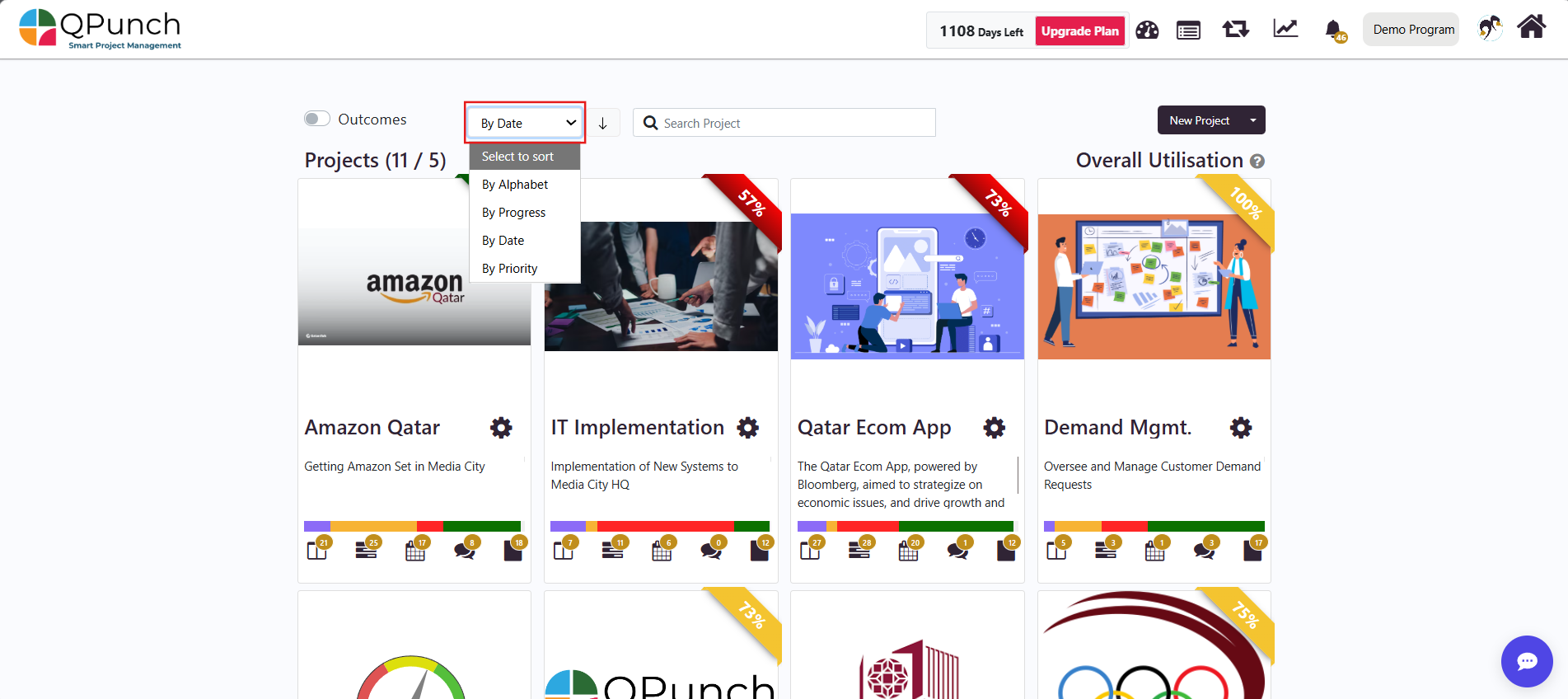
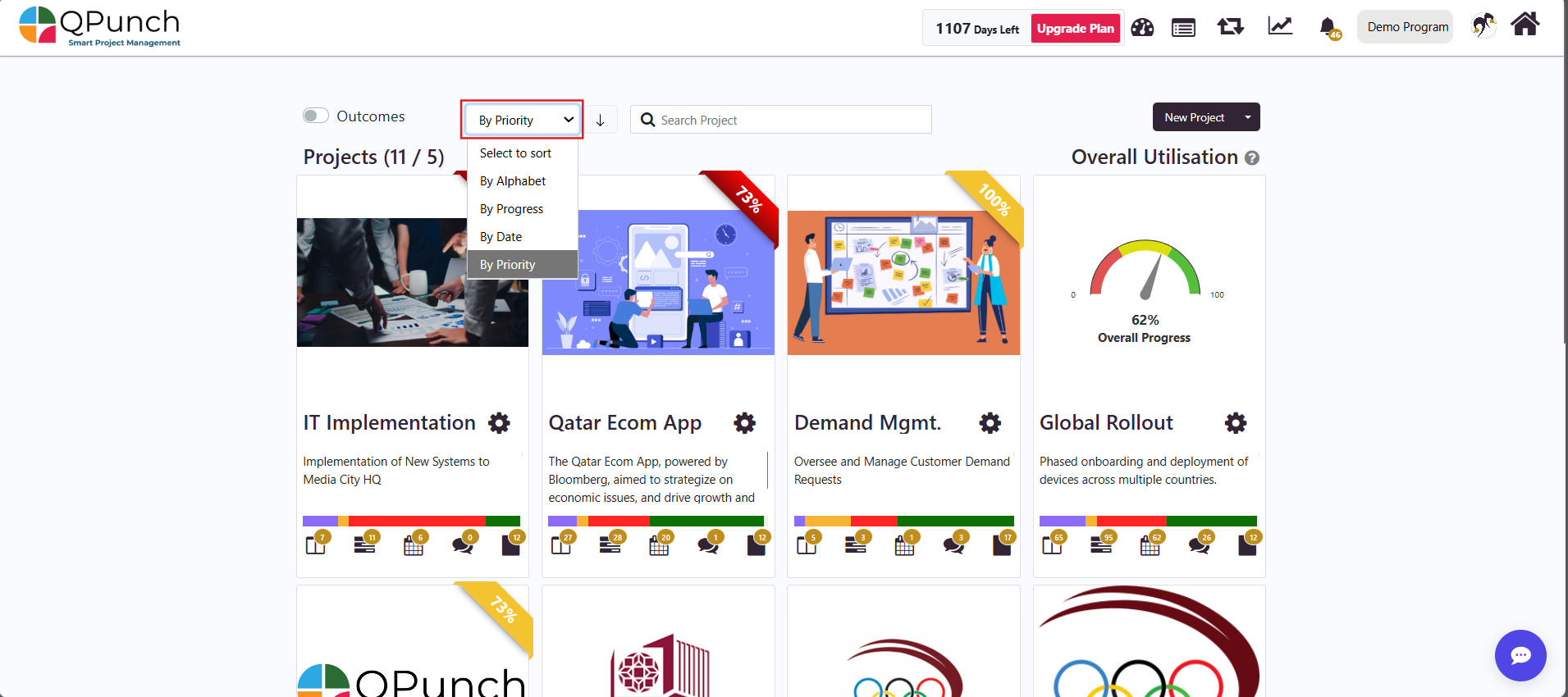
Accessing the Project Sort Dropdown: On the main dashboard, locate the Project Sort dropdown and click the dropdown to view available sorting options:
Alphabetical
Progress
Date
Priority
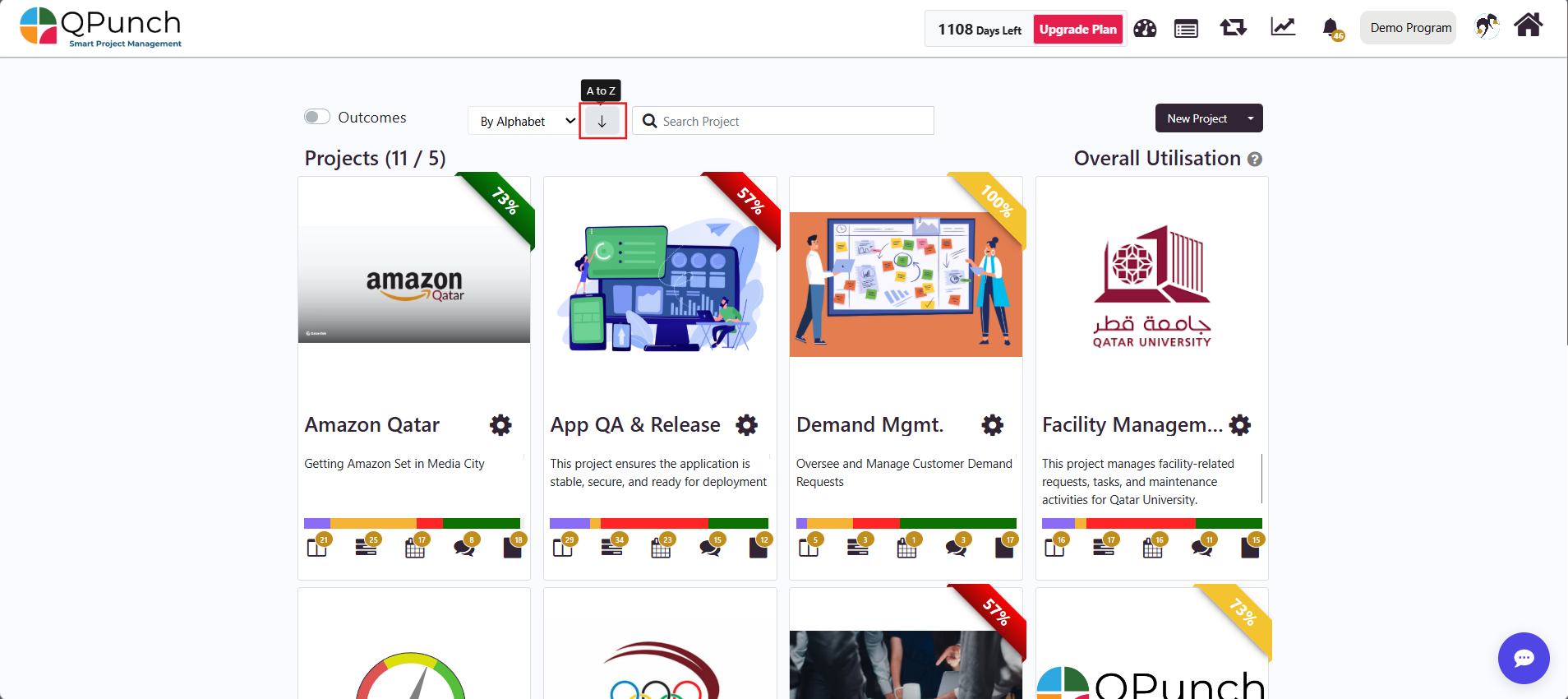
Sorting by Alphabet Select By Alphabet from the dropdown and the projects will be sorted based on their Alphabetical order.
Now you can use the arrow toggle to switch between: A to Z Z to A
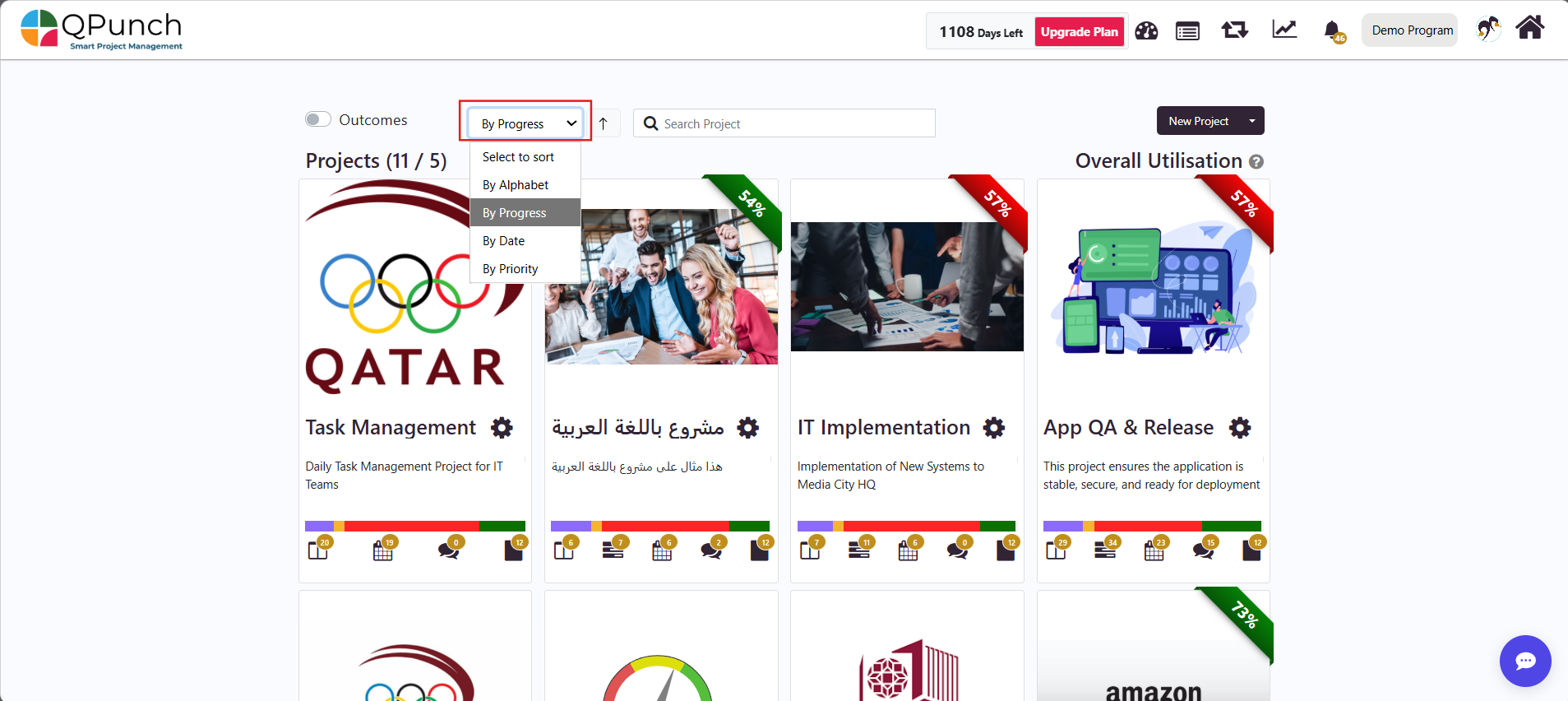
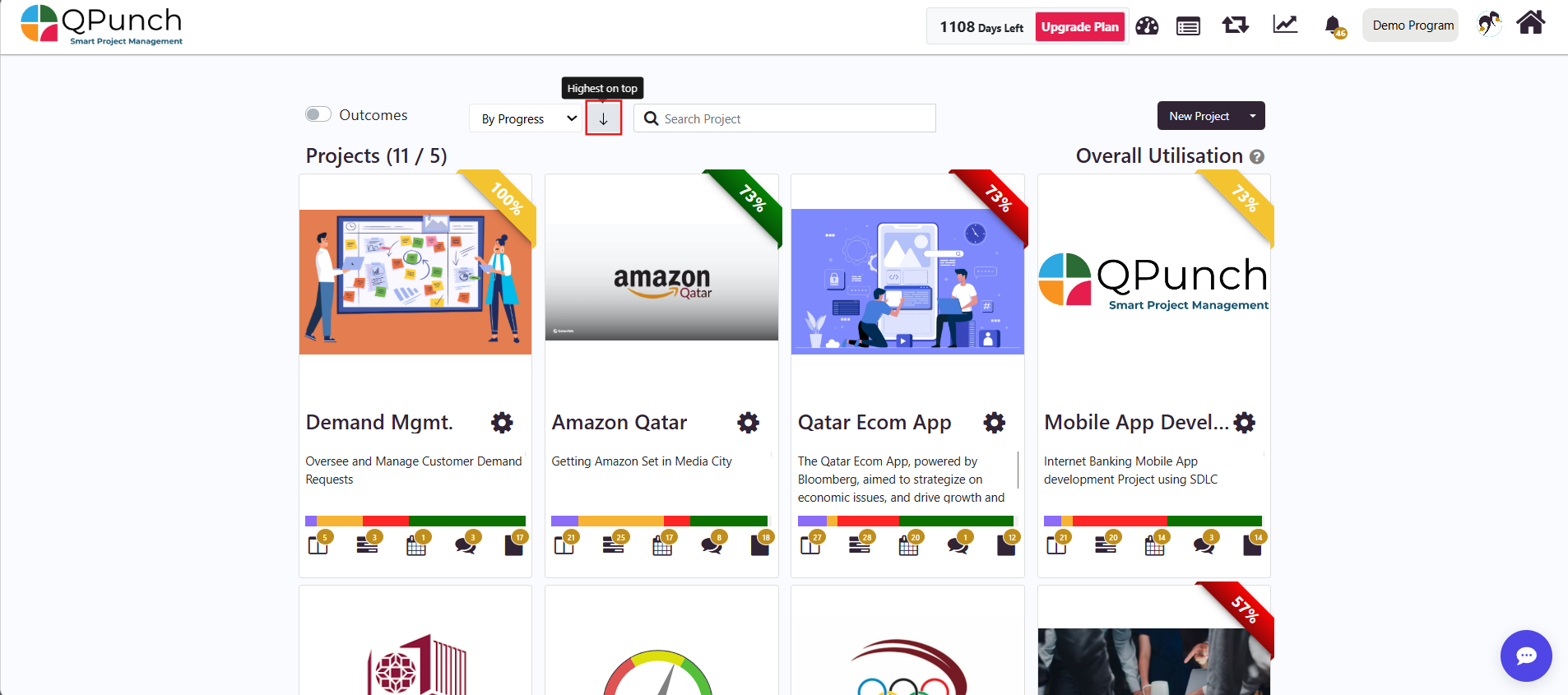
Sorting by Progress Select By Progress from the dropdown and the projects will be sorted based on their completion percentage.
Use the arrow toggle to switch between: Highest on top – most progressed projects appear first Lowest on top – least progressed projects appear first
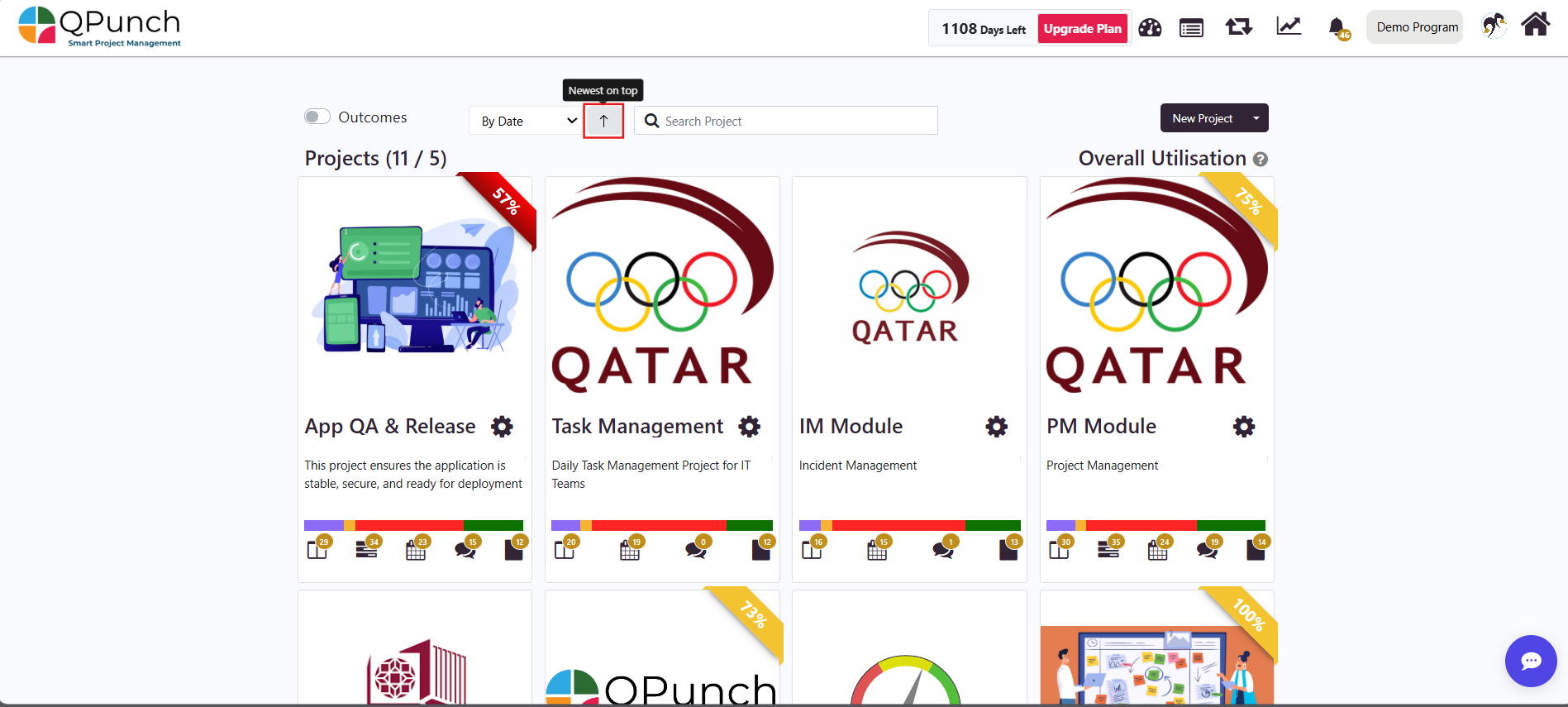
Sorting by Date Select By Date from the dropdown and the projects will be sorted based on their creation date.
Use the arrow toggle to switch between: Newest on top – most recent projects first Oldest on top – earliest projects first
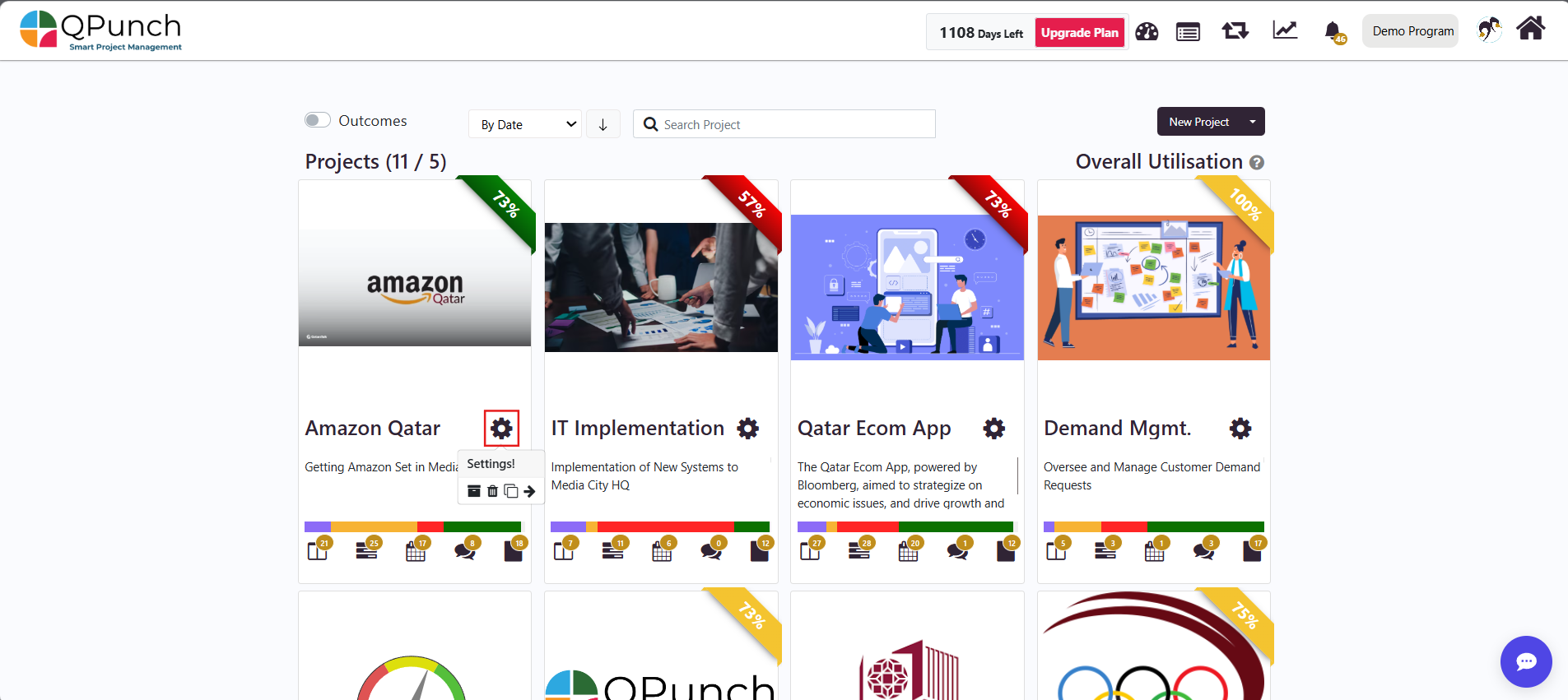
Sorting by Priority Click on the Project Settings icon for the selected project.
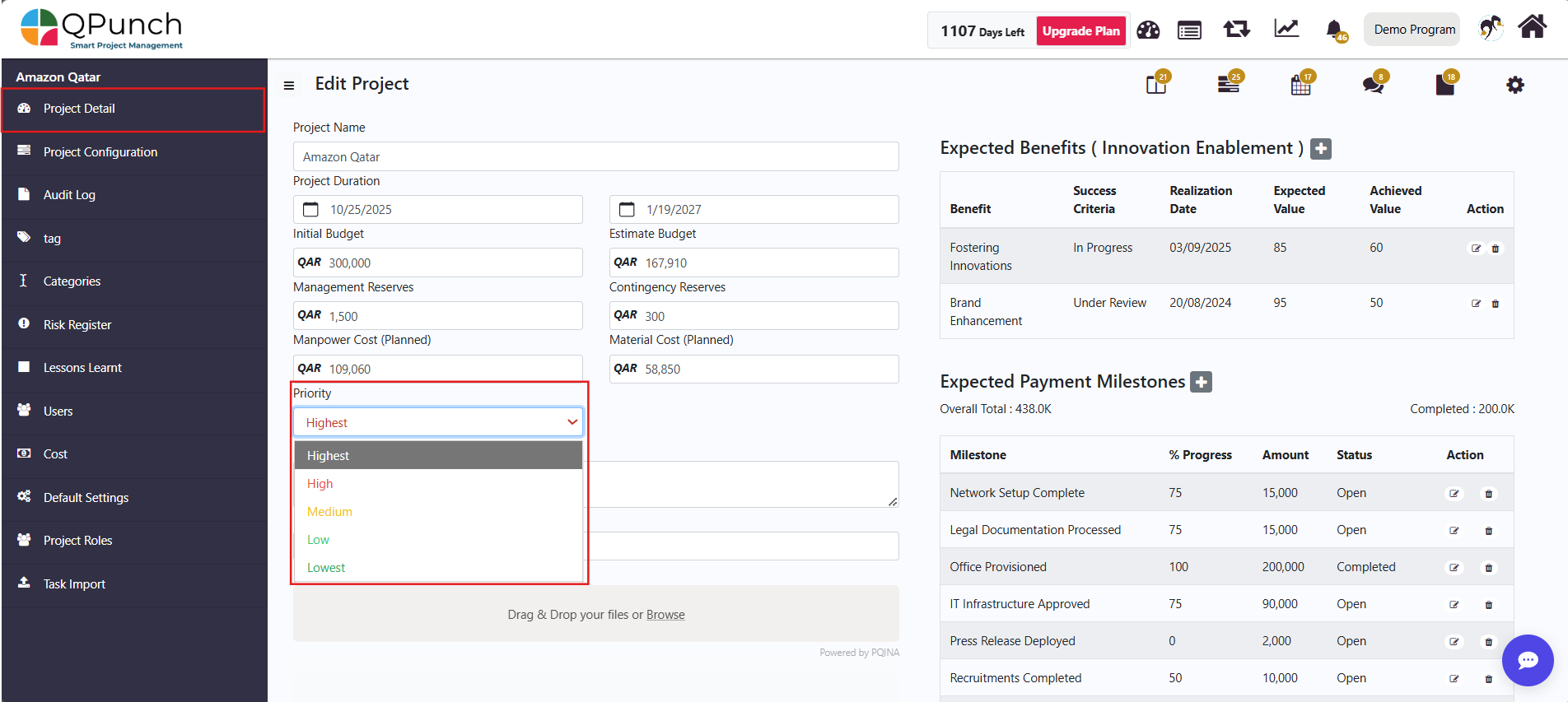
Next from the Project Details tab, click the Priority dropdown and select the priority level: Highest, High, Medium, Low, Lowest.
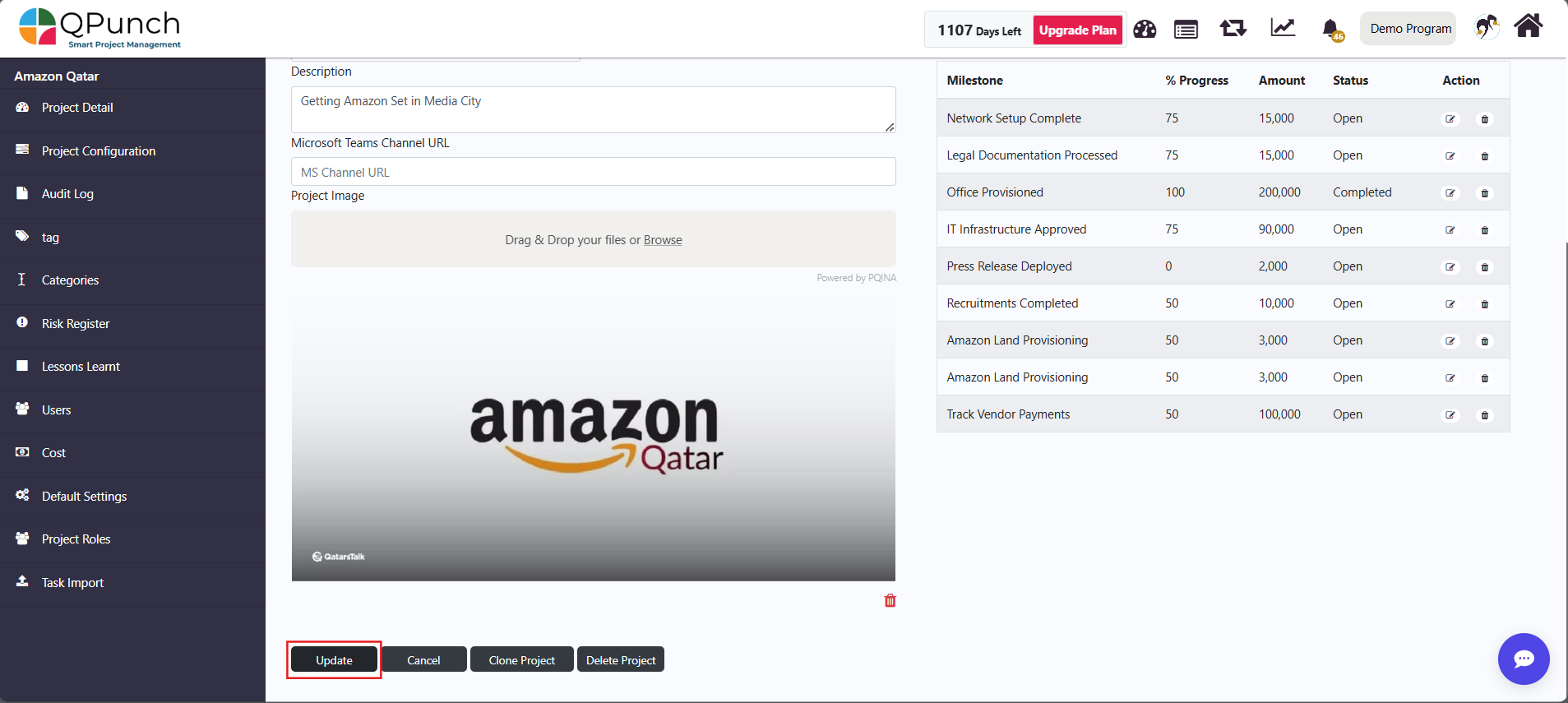
Next click on the Update button to save the priority.
Sorting Projects by Priority Go back to the main dashboard and select By Priority from the dropdown.
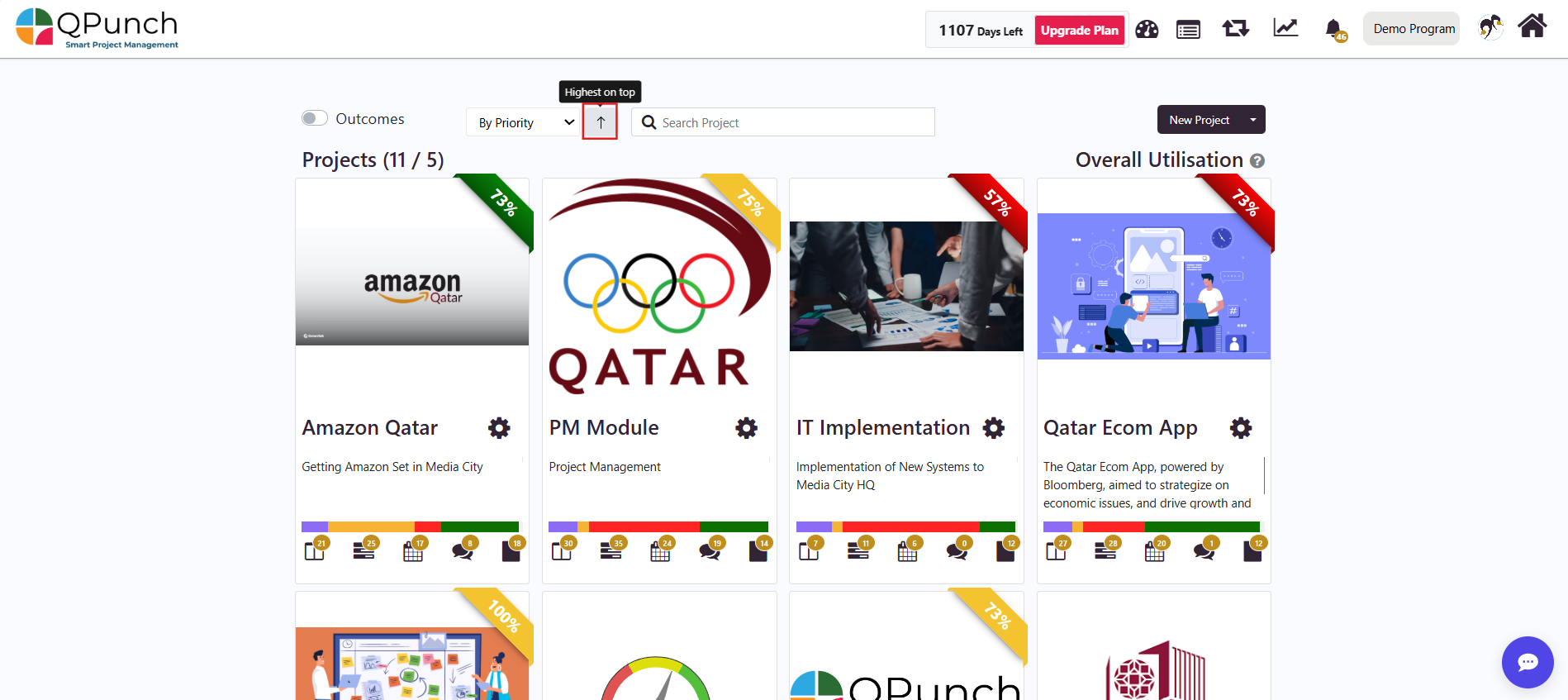
Use the arrow toggle to switch between: Highest on top Lowest on top
Conclusion The Project Sorting feature in QPunch helps you organize projects efficiently by alphabetical order, completion progress, creation date, or priority. The arrow toggle adds flexibility to quickly view projects in ascending or descending order, making it easier to focus on what matters most.